
Set a primary key for a data layer
After you publish vector or table data, you may need to update it from time to time, and sometimes you’ll only want to update part of it while leaving the rest unchanged.
Primary keys make this possible. A primary key gives each record in your dataset a unique identifier, which stays the same across versions: a record in version 204 of your dataset keeps the primary key it had in version 123. Koordinates uses it to work out which records have changed.
Primary keys also help your users keep their copy of the data up to date without downloading the whole dataset at every update.
-
Open the Data Manager
Select Manage in the navigation menu. The Data Manager opens on the Datasets tab.
-
Select the dataset you want to add a primary key to
Search for it by keyword, or use the filters to narrow the list.
-
Scroll down to Primary Key
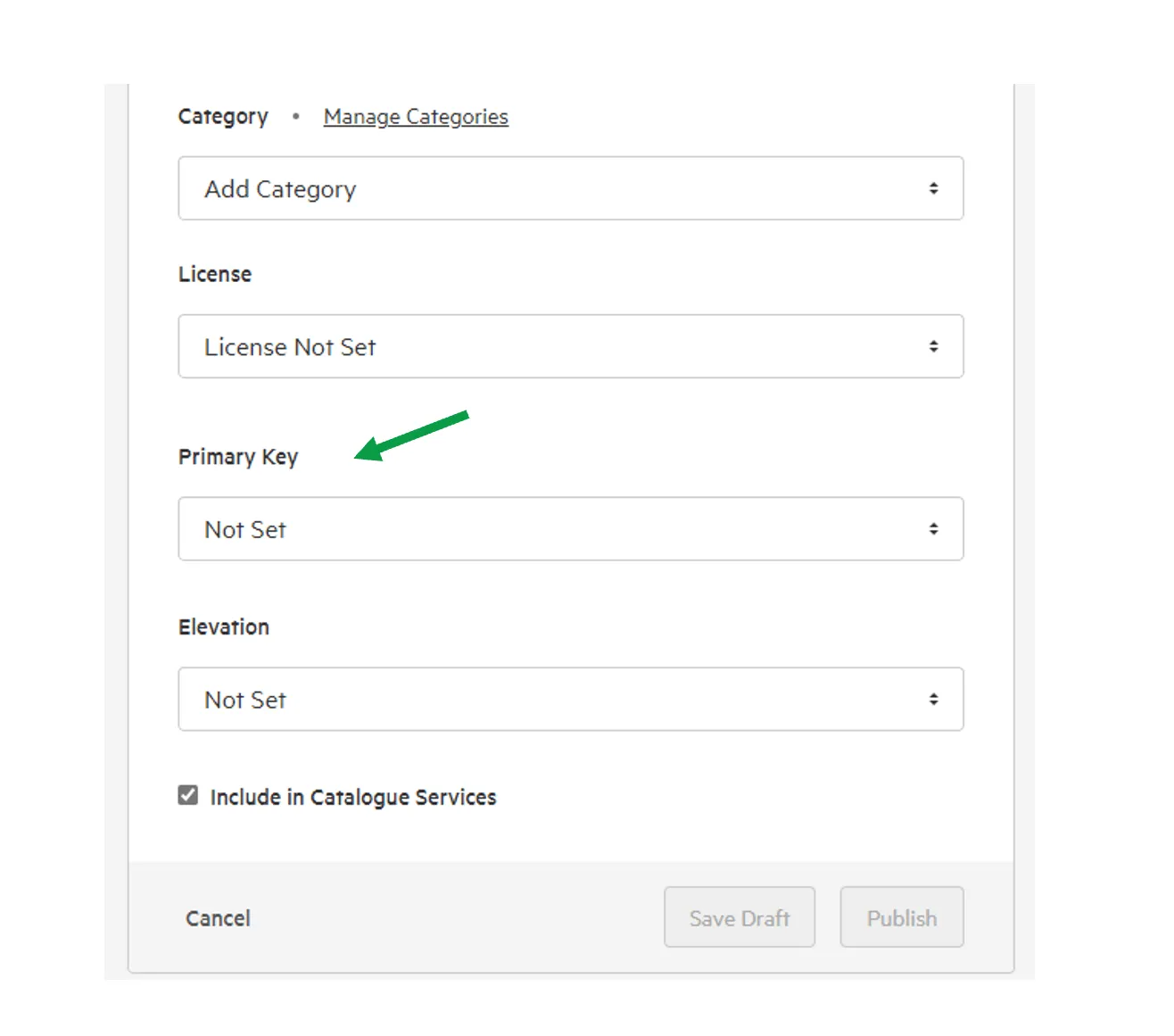
-
Choose the field to use as the primary key
Choose a field whose values are unique for every record.
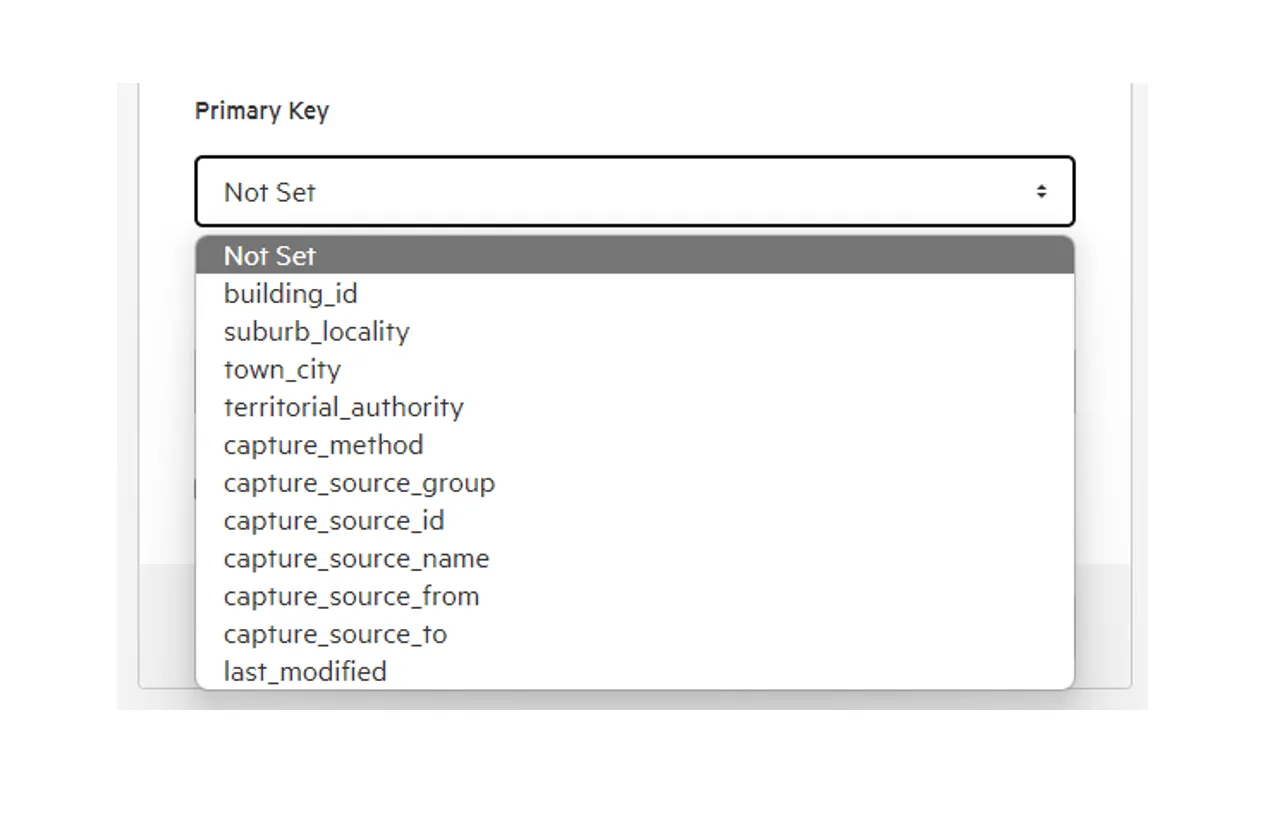
-
Select Save Draft or Publish