Delete published data
If you are unsure whether or not to delete a dataset, Data Administrators can use permission controls to hide or suppress data access temporarily. Read more about how to embargo public access to data.
1. Select ‘Manage’ from the top navigation menu
Section titled “1. Select ‘Manage’ from the top navigation menu”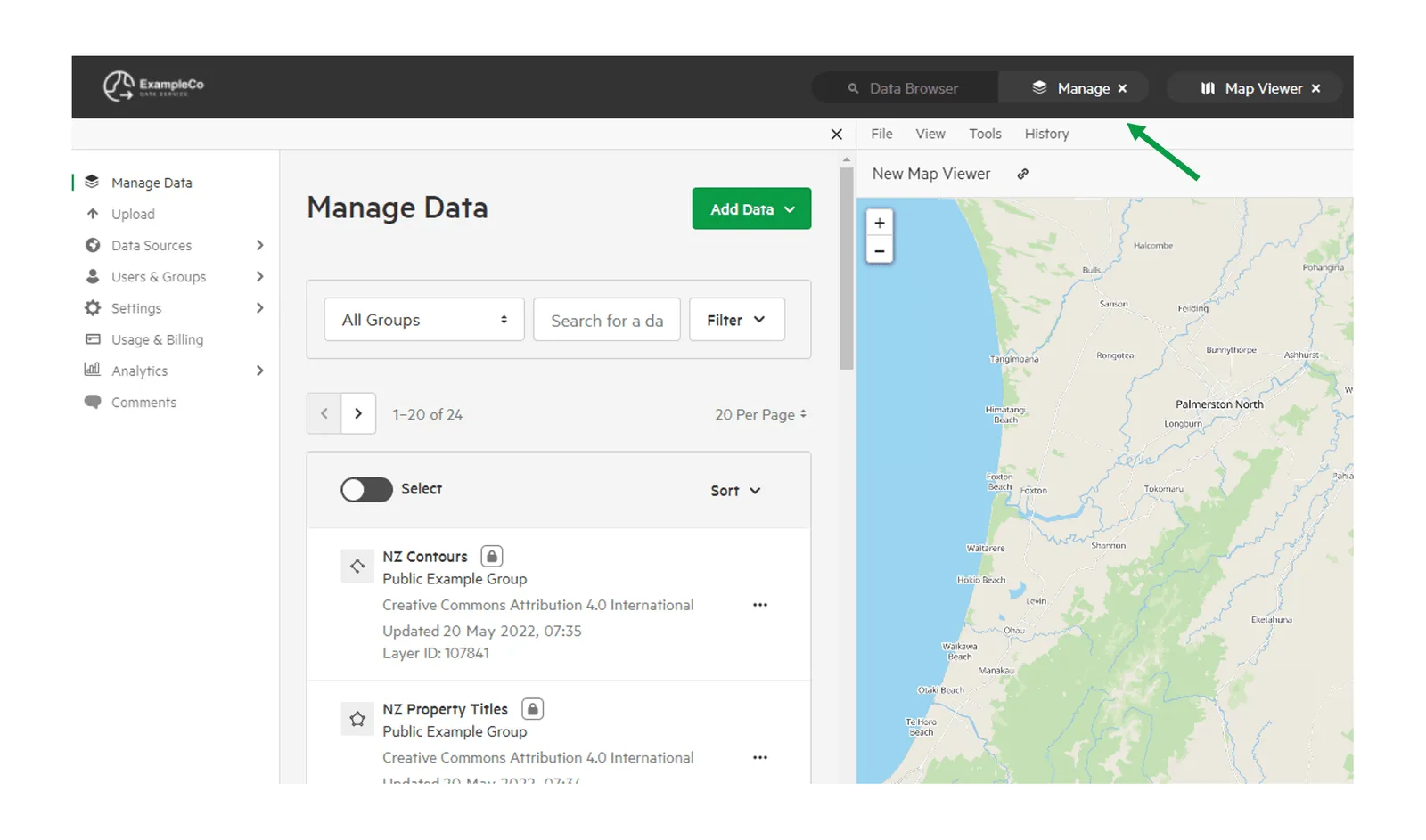
2. Select ‘Manage Data’
Section titled “2. Select ‘Manage Data’”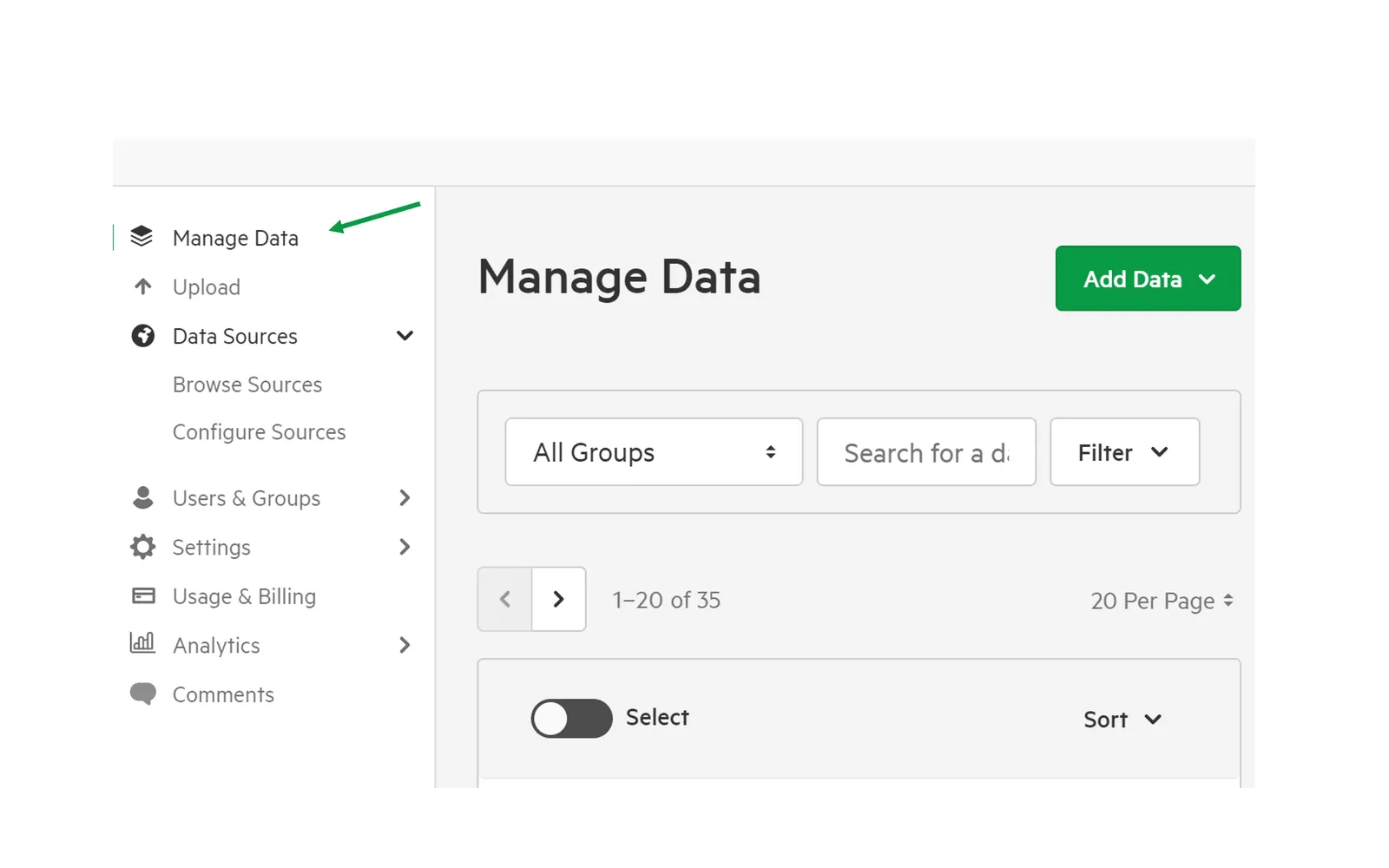
3. Select the dataset you wish to delete
Section titled “3. Select the dataset you wish to delete”You can locate your dataset by entering a search term and filtering by group, date created, data type, status, and last update.
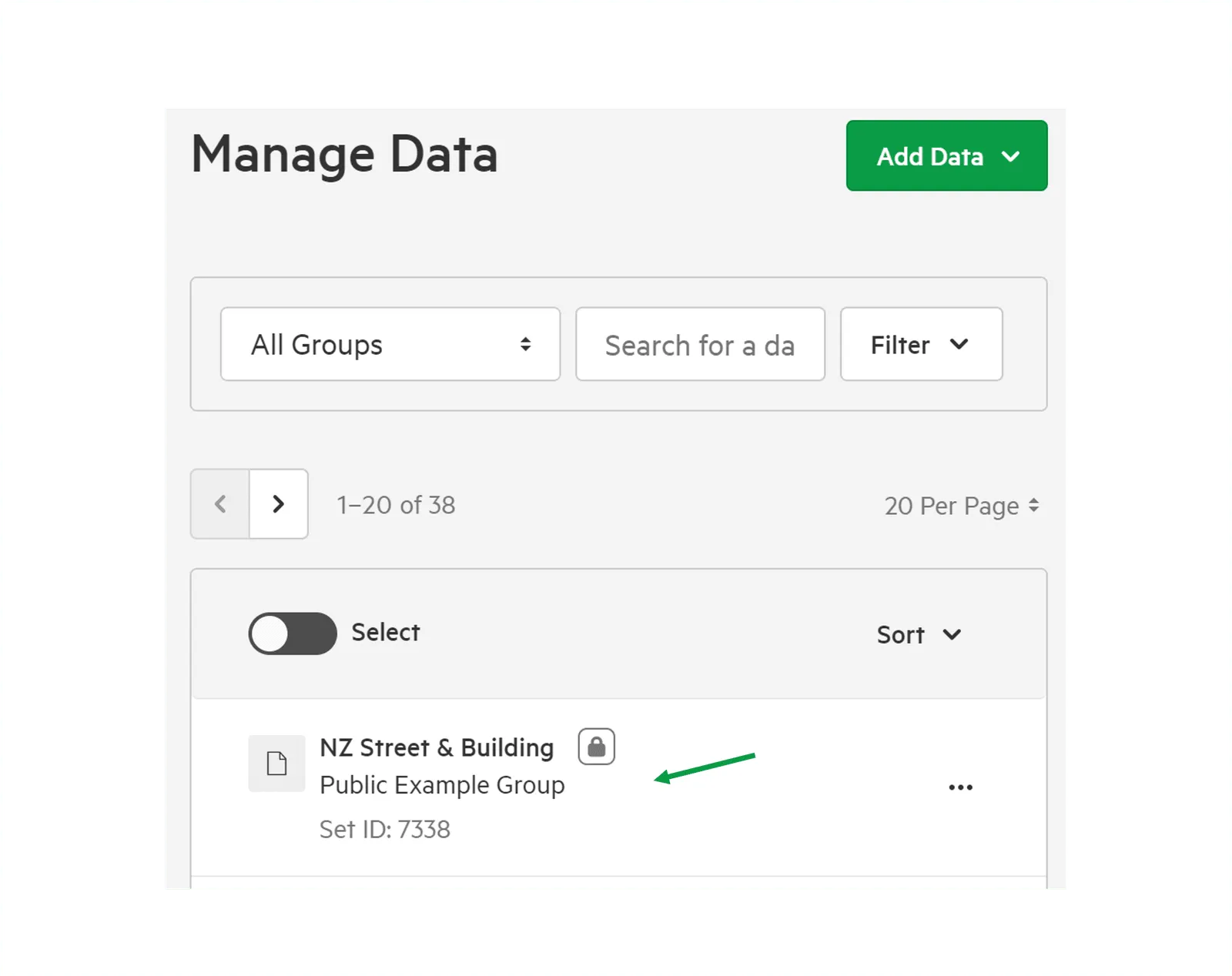
4. Click ‘Options’ and ‘Delete’
Section titled “4. Click ‘Options’ and ‘Delete’”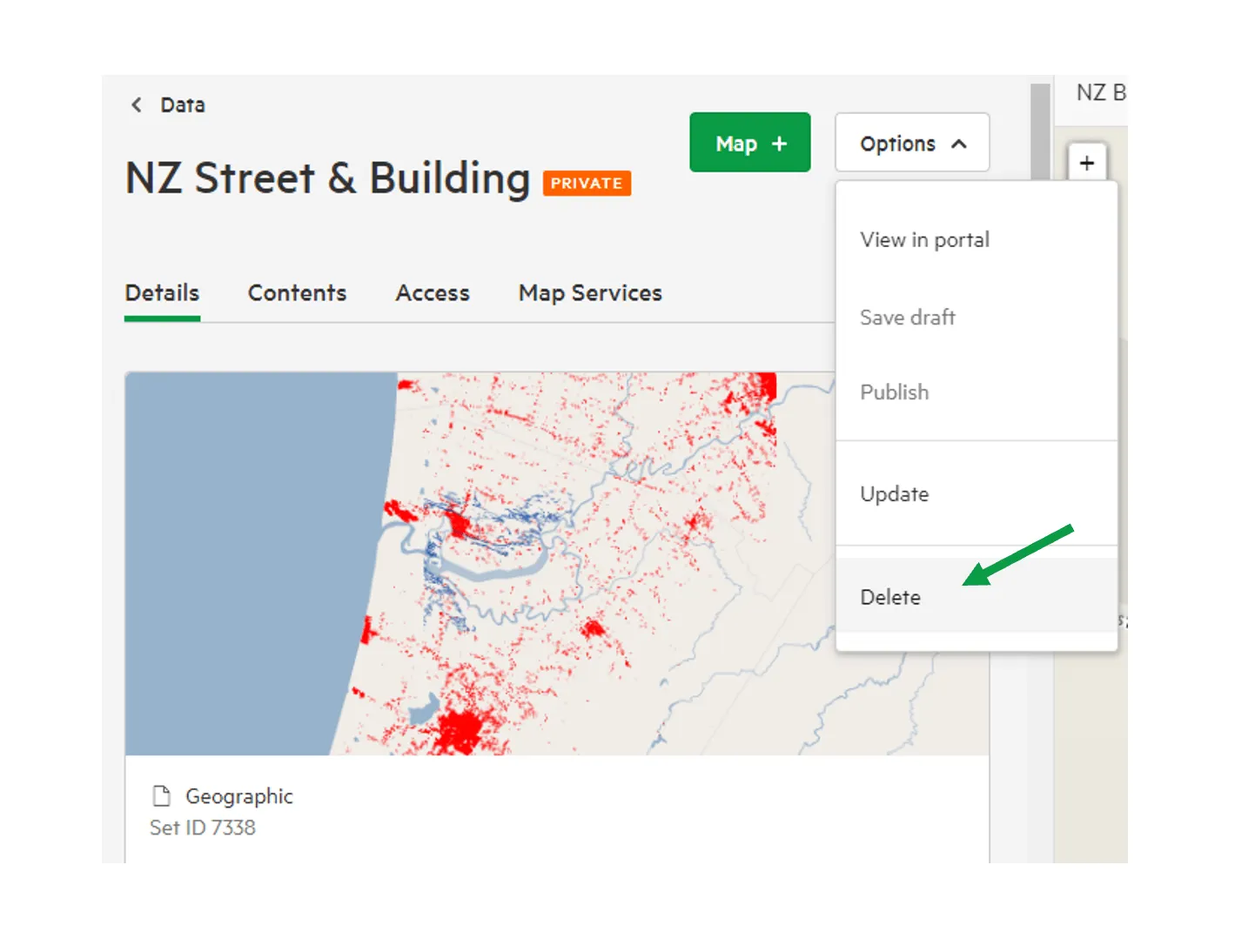
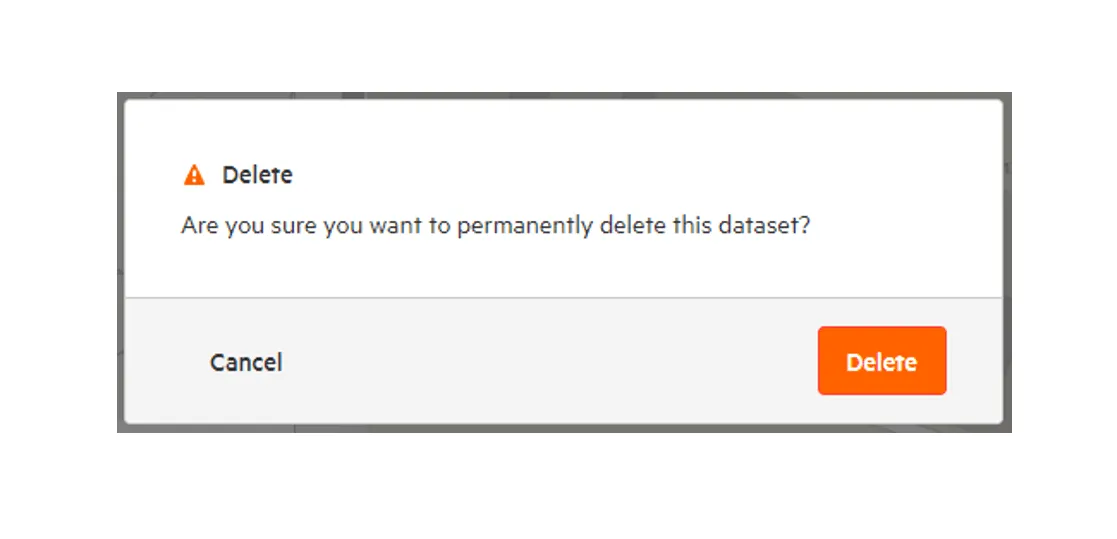
5. You’ll be prompted to confirm the deletion request.
Section titled “5. You’ll be prompted to confirm the deletion request.”