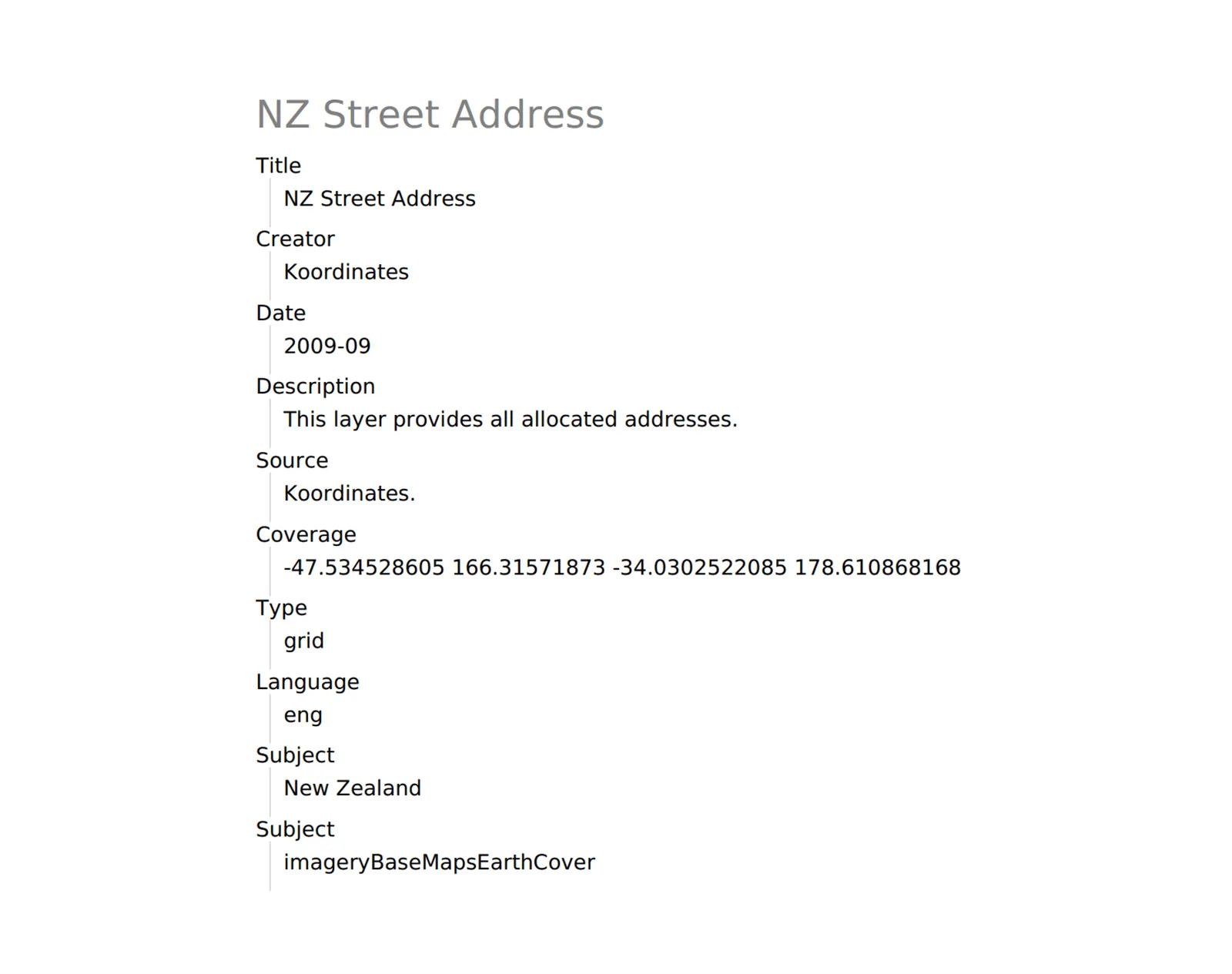
Appraise and download metadata
1. From the Data Browser, select the relevant data card, to open the datasets Data Sheet.
Section titled “1. From the Data Browser, select the relevant data card, to open the datasets Data Sheet.”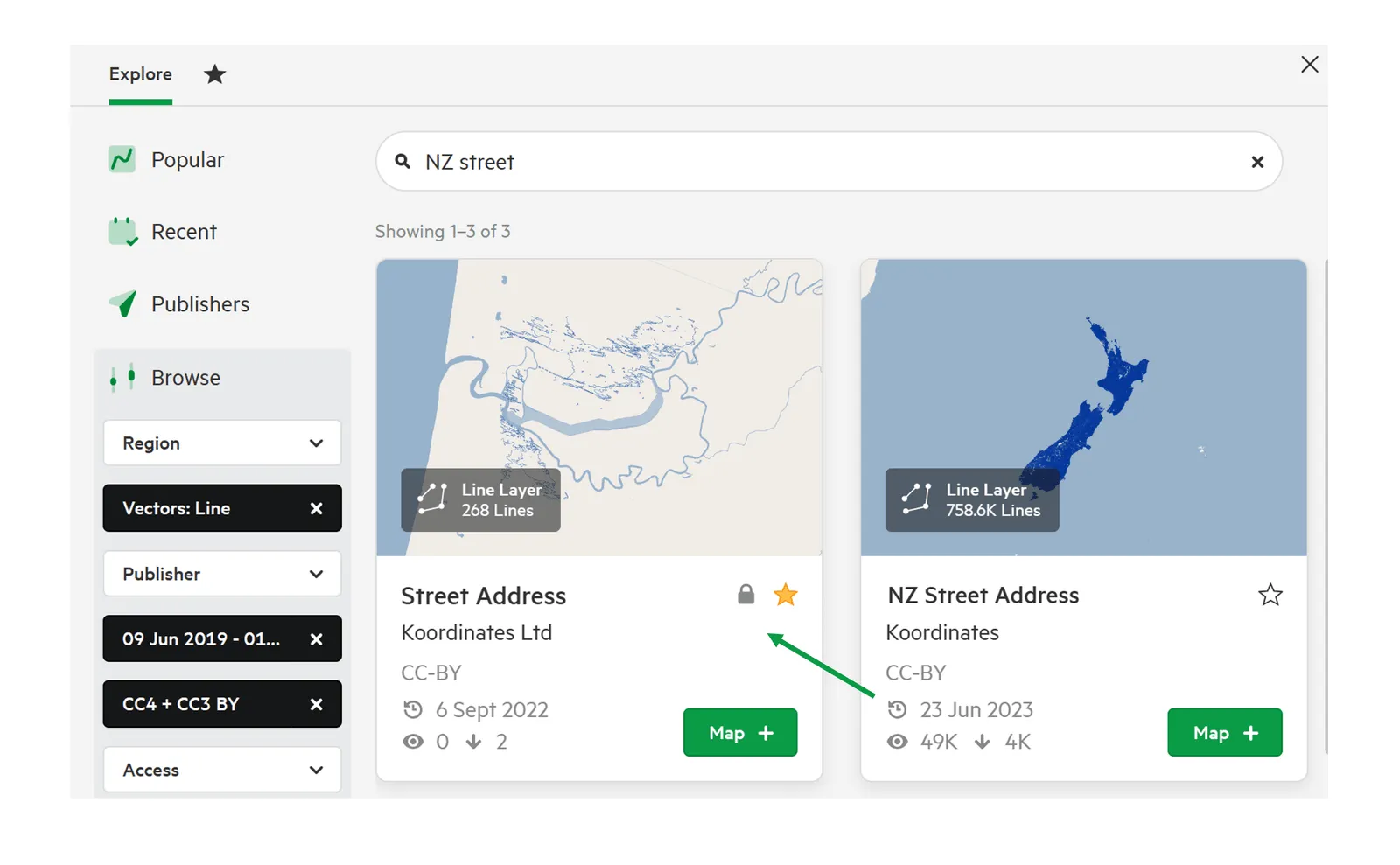
This will provide you with a range of information about your chosen dataset.
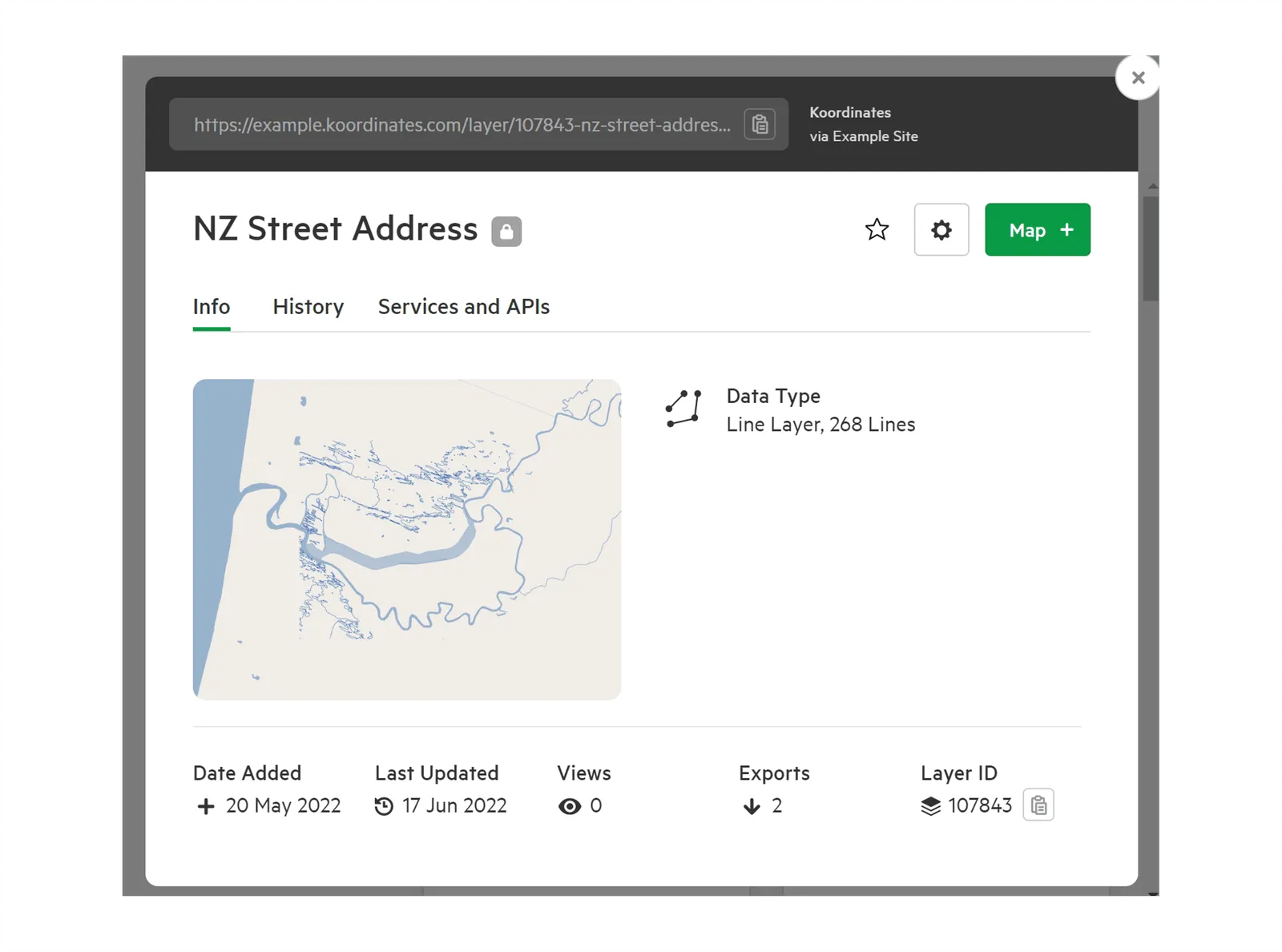
2. Scroll down to the Metadata section
Section titled “2. Scroll down to the Metadata section”Scroll through the Info screen to find the Metadata section. This displays the metadata available for your chosen dataset. All available metadata schema will be presented.
3. View metadata details
Section titled “3. View metadata details”Click on the metadata title, to open and view the details.
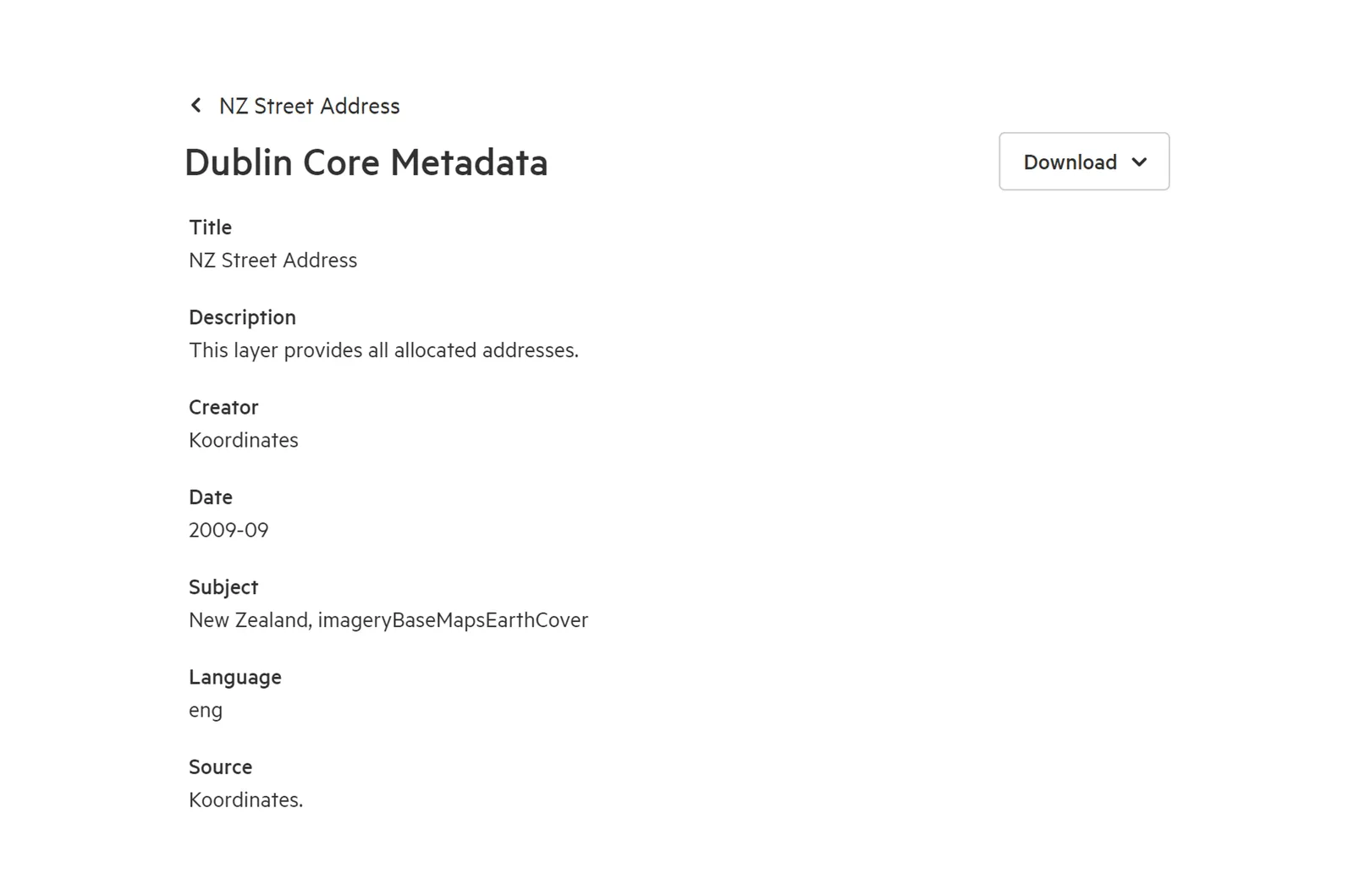
4. Download metadata information
Section titled “4. Download metadata information”Click on the dropdown ‘Download’ button, then on either file type to download the metadata in either XML or PDF
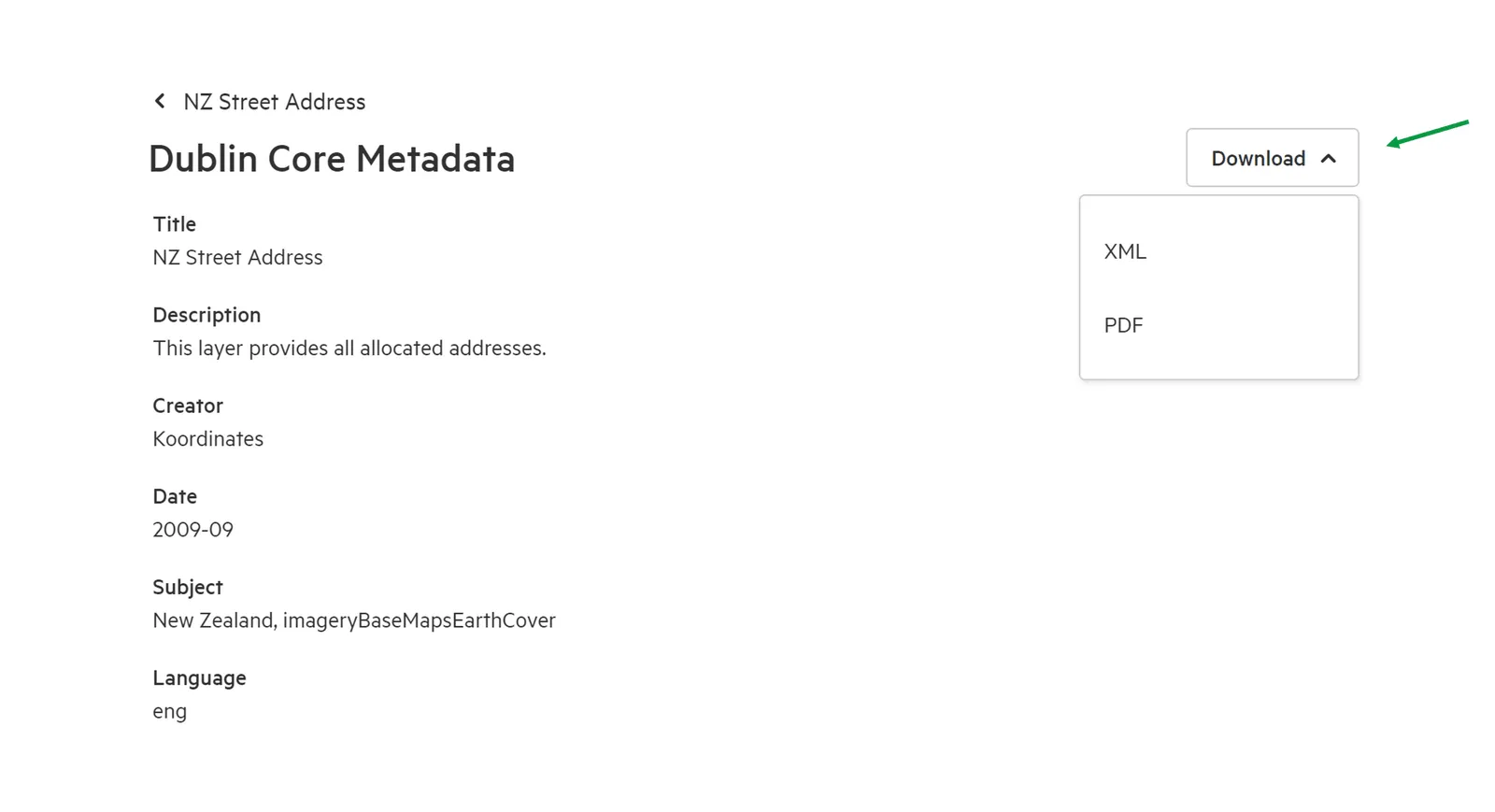
The metadata will be commence downloading.