Add or edit categories for your site
Site administrators can add categories to their site, which users can use to browse data and filter search results.
Add a category
Section titled “Add a category”-
Select Site Settings in the top navigation, then Categories in the side menu.
-
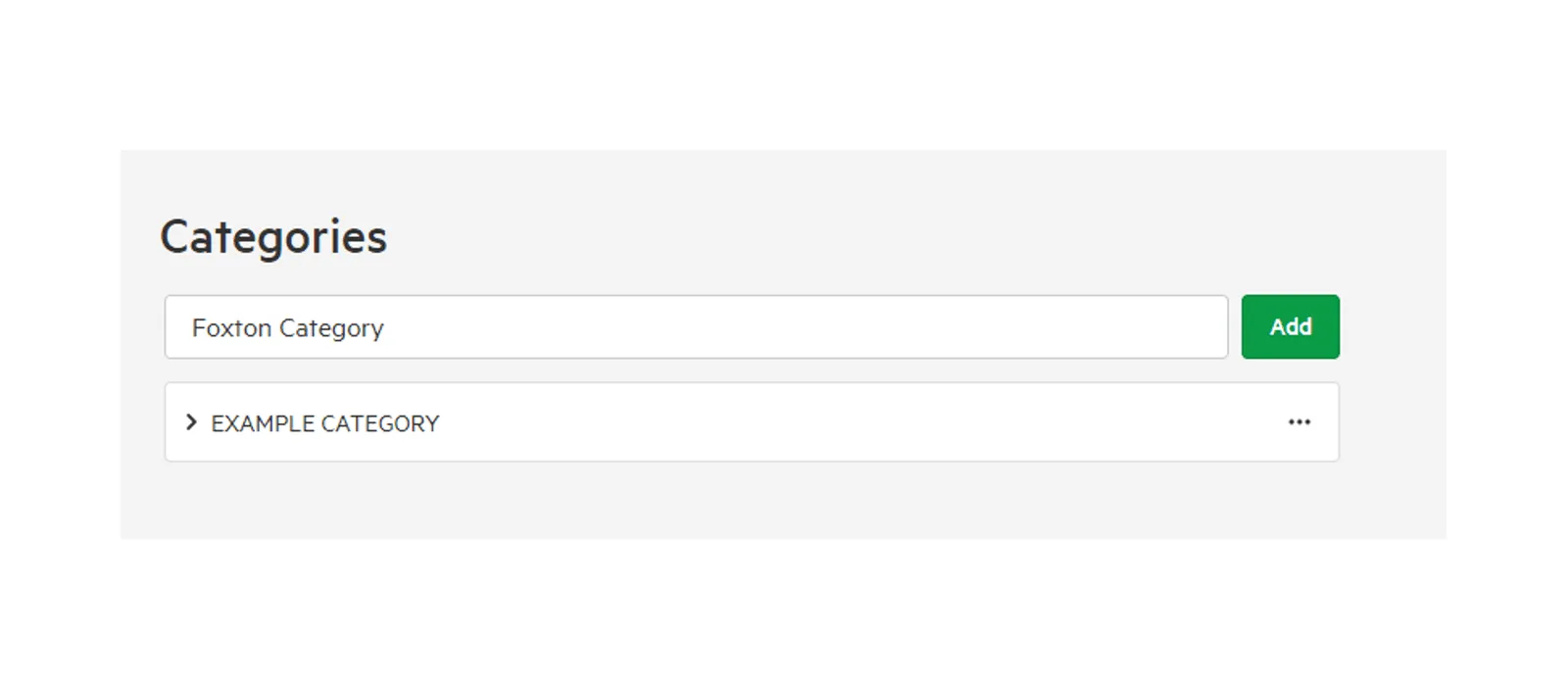
Enter a name in New Category and select Add.
Edit a category
Section titled “Edit a category”-
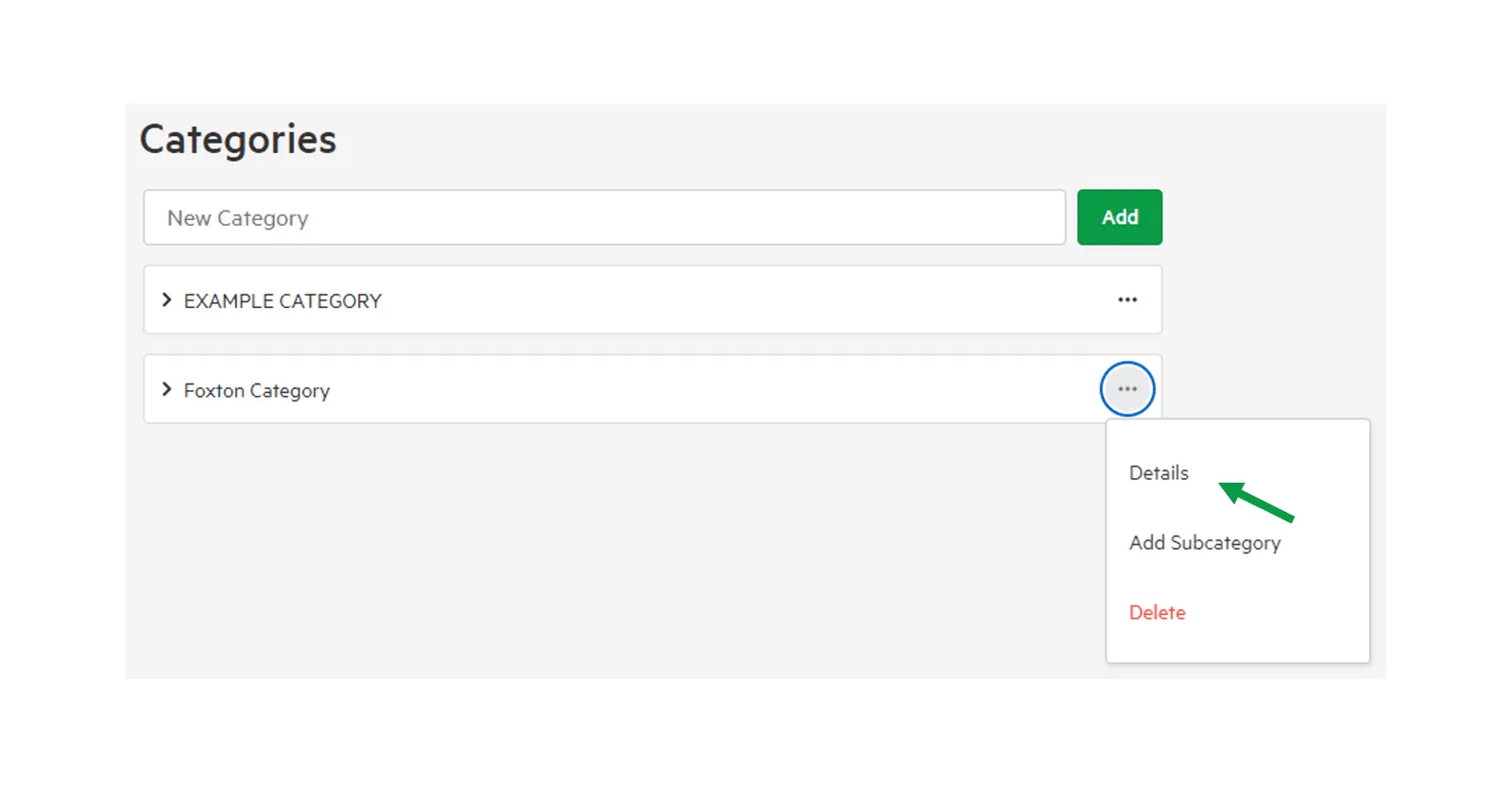
Select the … menu beside the category, then select Details.
-
Change the category’s details:
- Category name: the name users see.
- Slug: the part of the category name used in URLs.
- Parent category: the category this one sits under, or None. Moving a category also moves its subcategories.
-
Select Save.
To delete a category, select Delete in its … menu or its details.
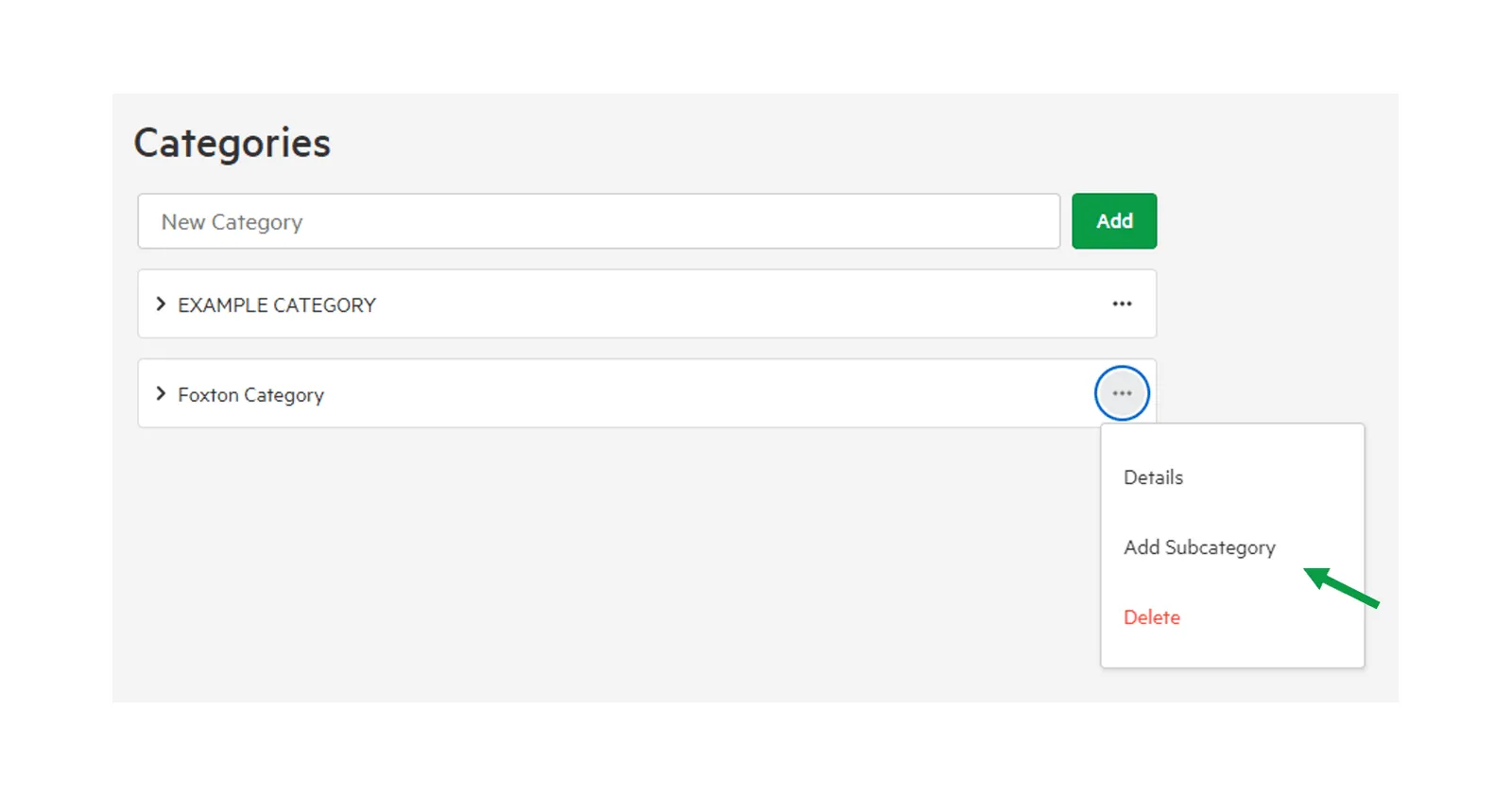
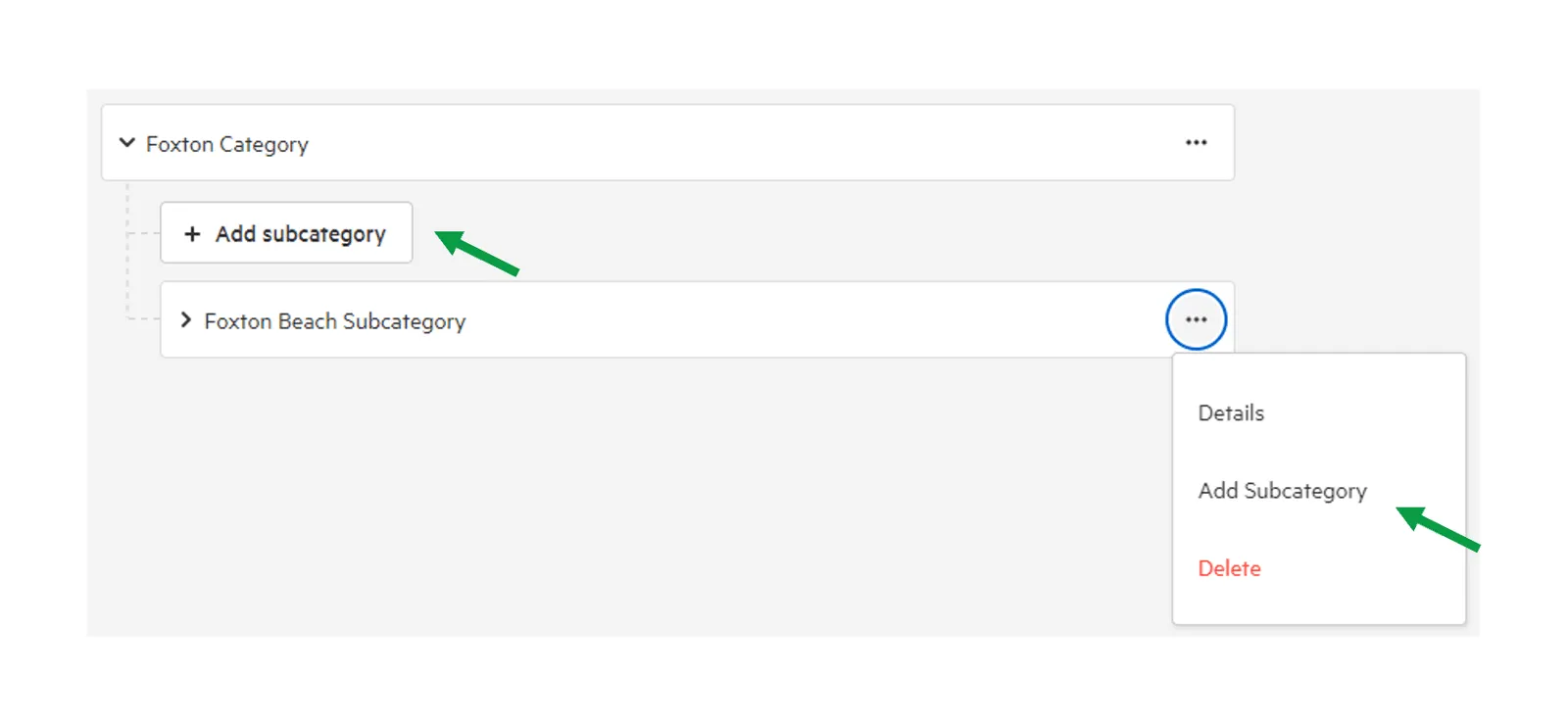
Add subcategories
Section titled “Add subcategories”Select the … menu beside a category, then select Add Subcategory, enter a name and select Add. You can add subcategories to subcategories in the same way.