Export reports per site user
Administrators can view data usage analytics reports per individual site user.
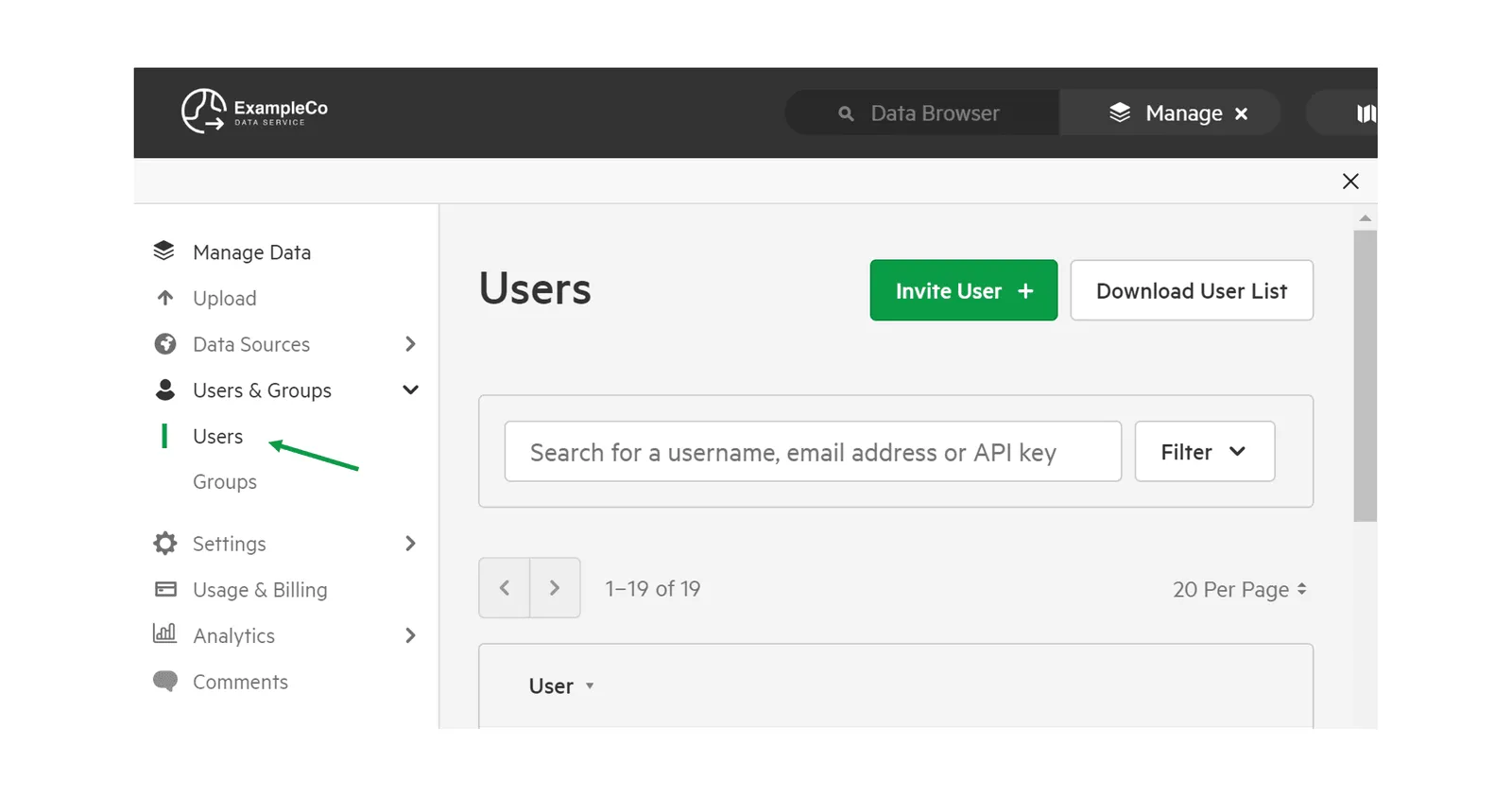
1. Click Users
Section titled “1. Click Users”Click Users from the Manage Menu. This will give you a list of registered users on your site.
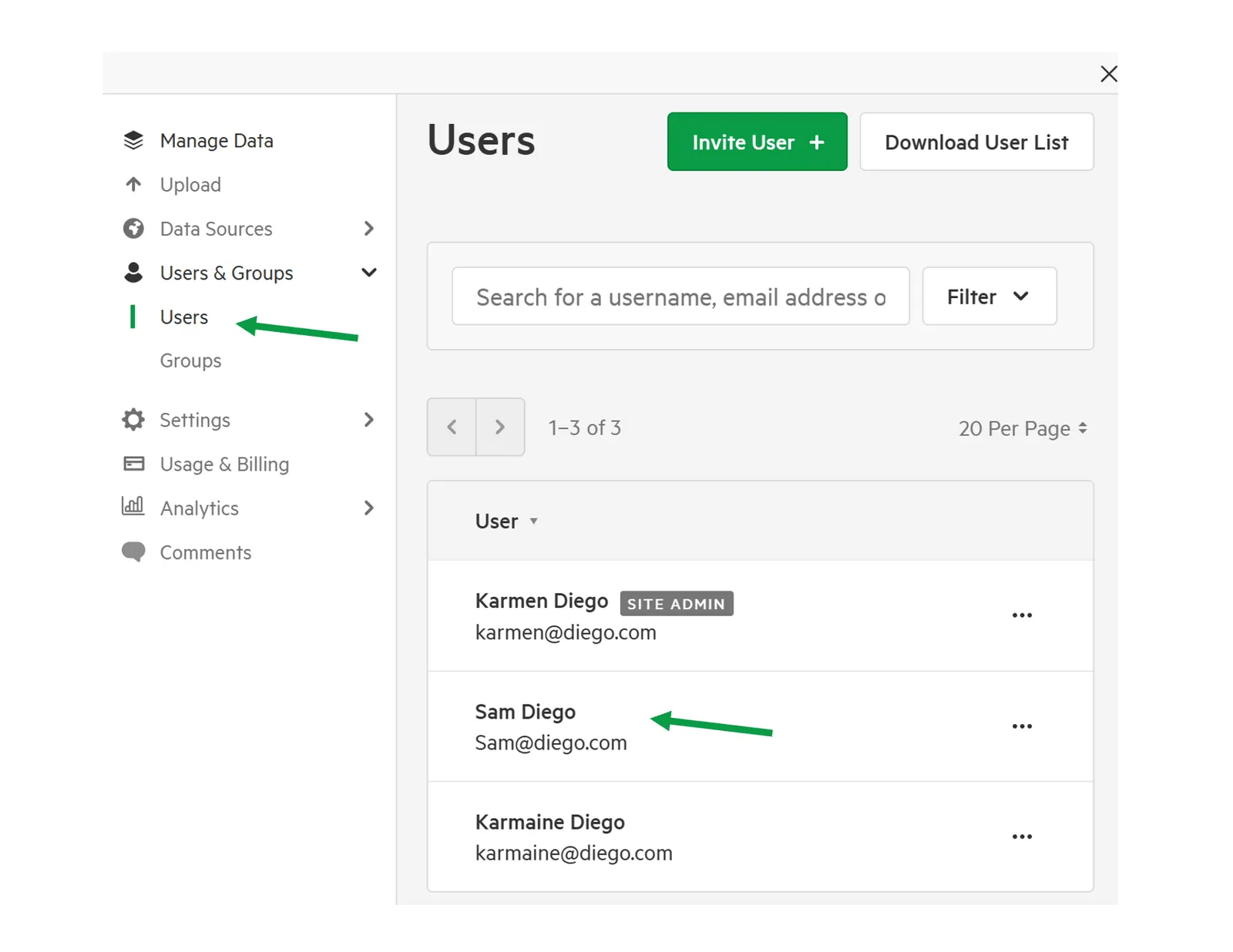
2. Select individual user
Section titled “2. Select individual user”Find and select your chosen user, which will take you to that user’s overview screen.
3. Click Options tab
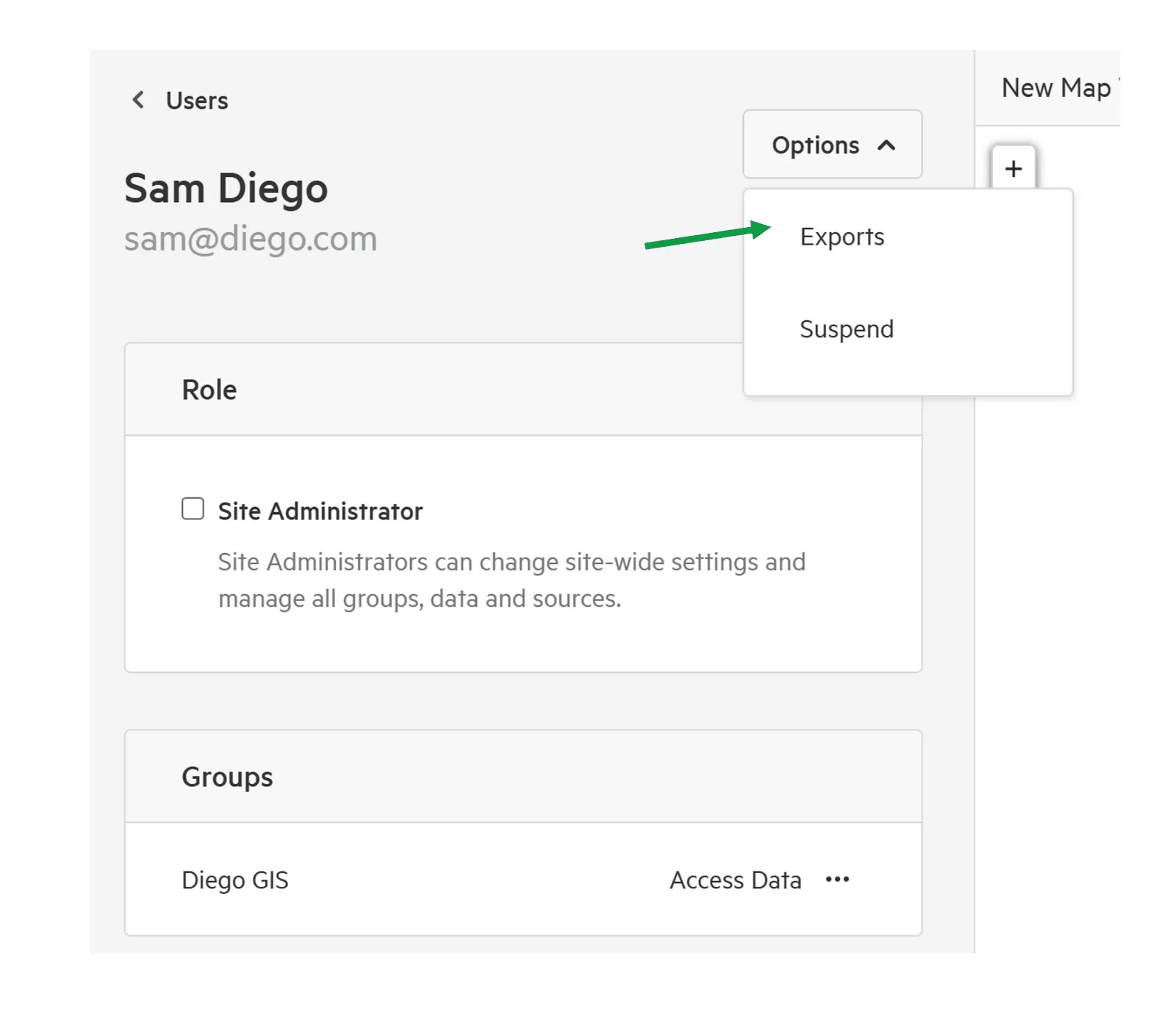
Section titled “3. Click Options tab”Select Export, to run a report on the Exports that the user has performed.