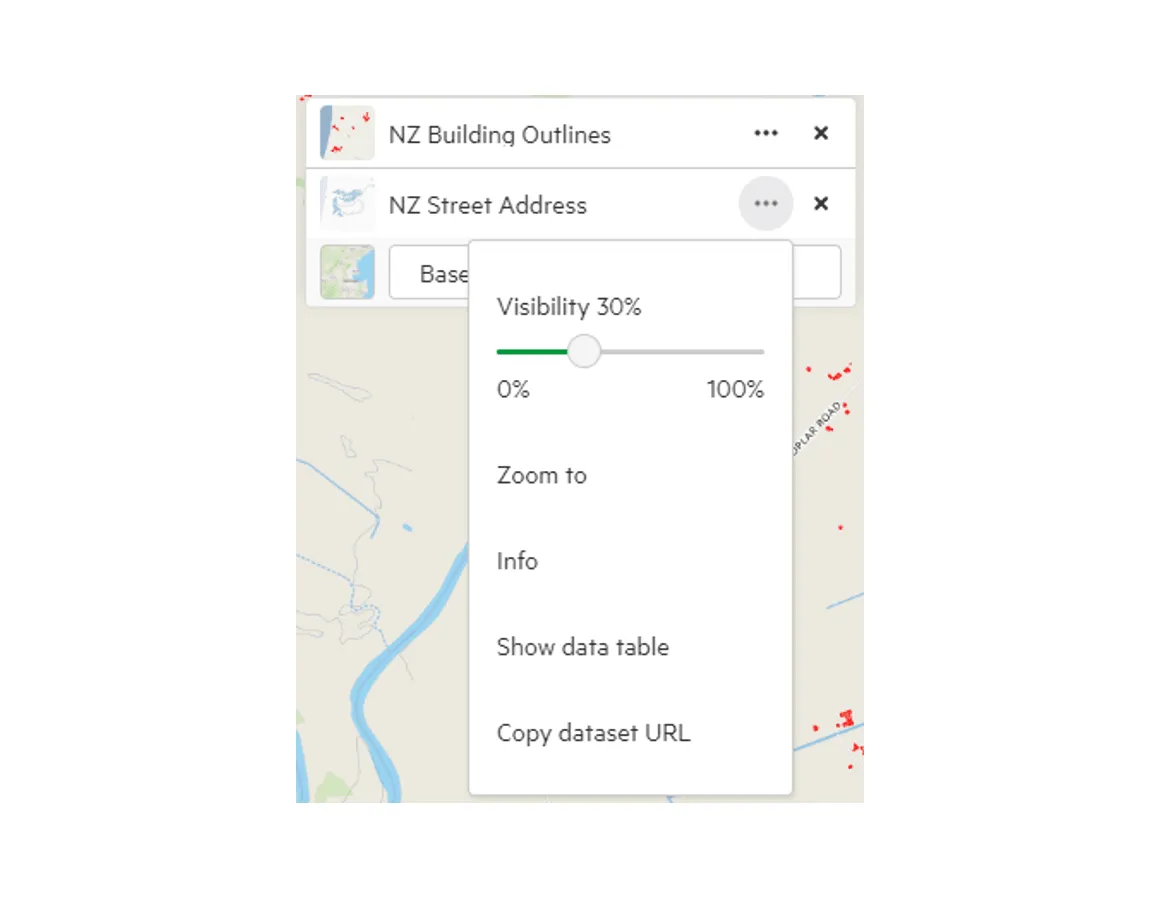
Alter the transparency of added data
1. Click ‘Map +’ to add your chosen data layer
Section titled “1. Click ‘Map +’ to add your chosen data layer”2. In the top right of the map screen, select the ellipsis next to your chosen layer to access its menu.
Section titled “2. In the top right of the map screen, select the ellipsis next to your chosen layer to access its menu.”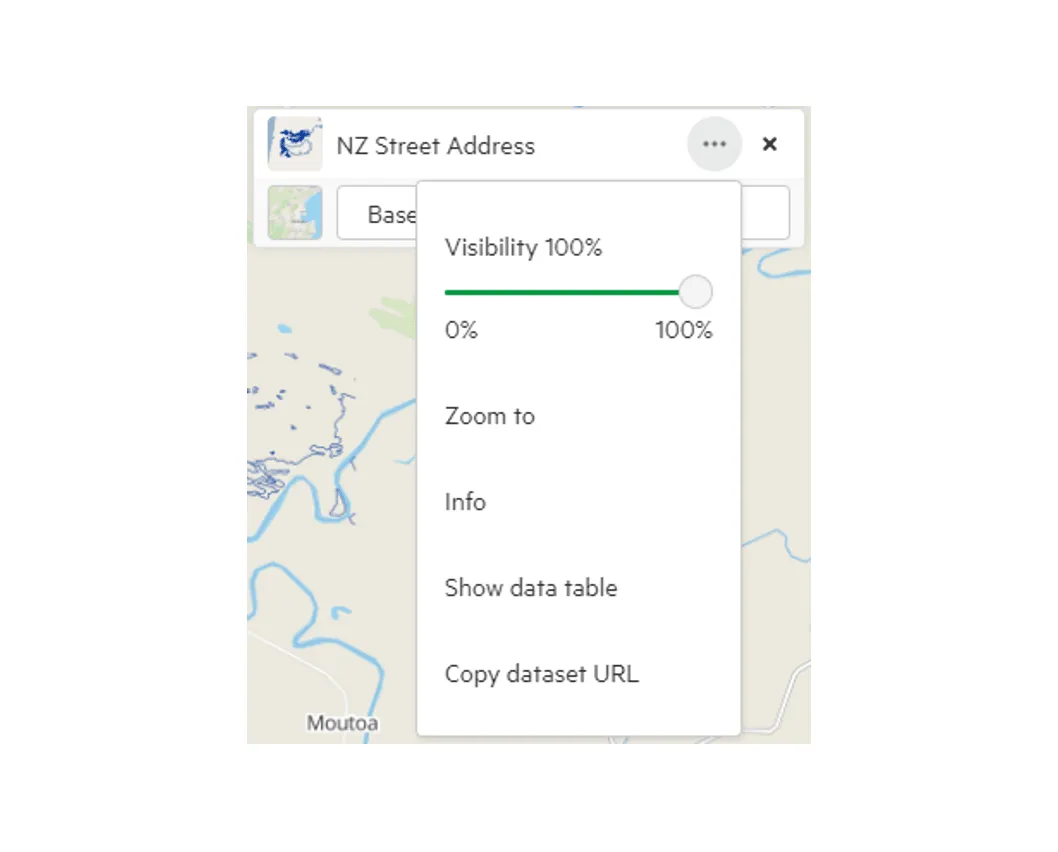
3. Toggle the transparency
Section titled “3. Toggle the transparency”With the Visibility slider, you can change the relative transparency of your chosen data.
If you make the layer invisible, it will be removed from the map (though will remain in your collection for download).