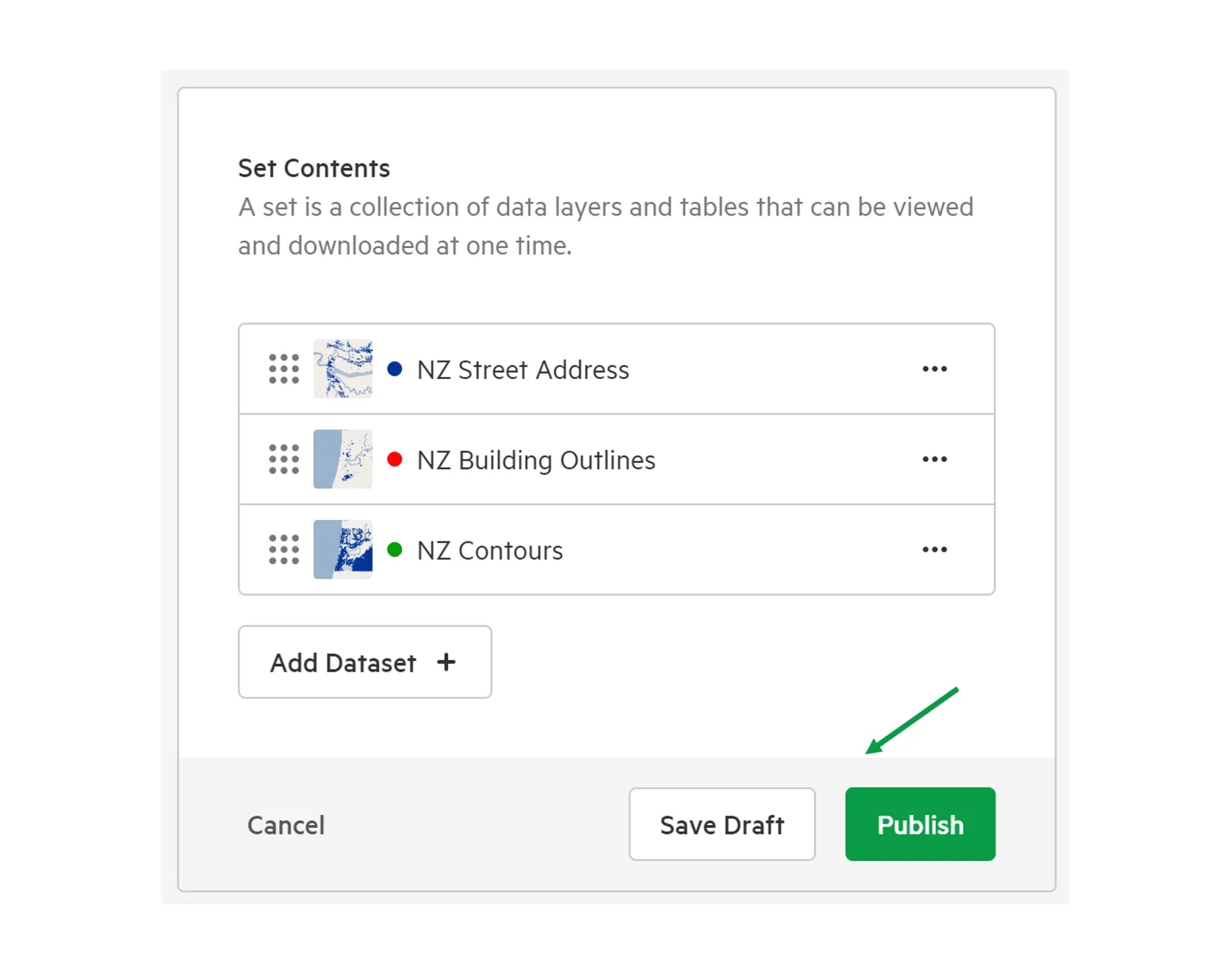
Add layers or tables to an existing set
1. Select ‘Manage’ from the top menu
Section titled “1. Select ‘Manage’ from the top menu”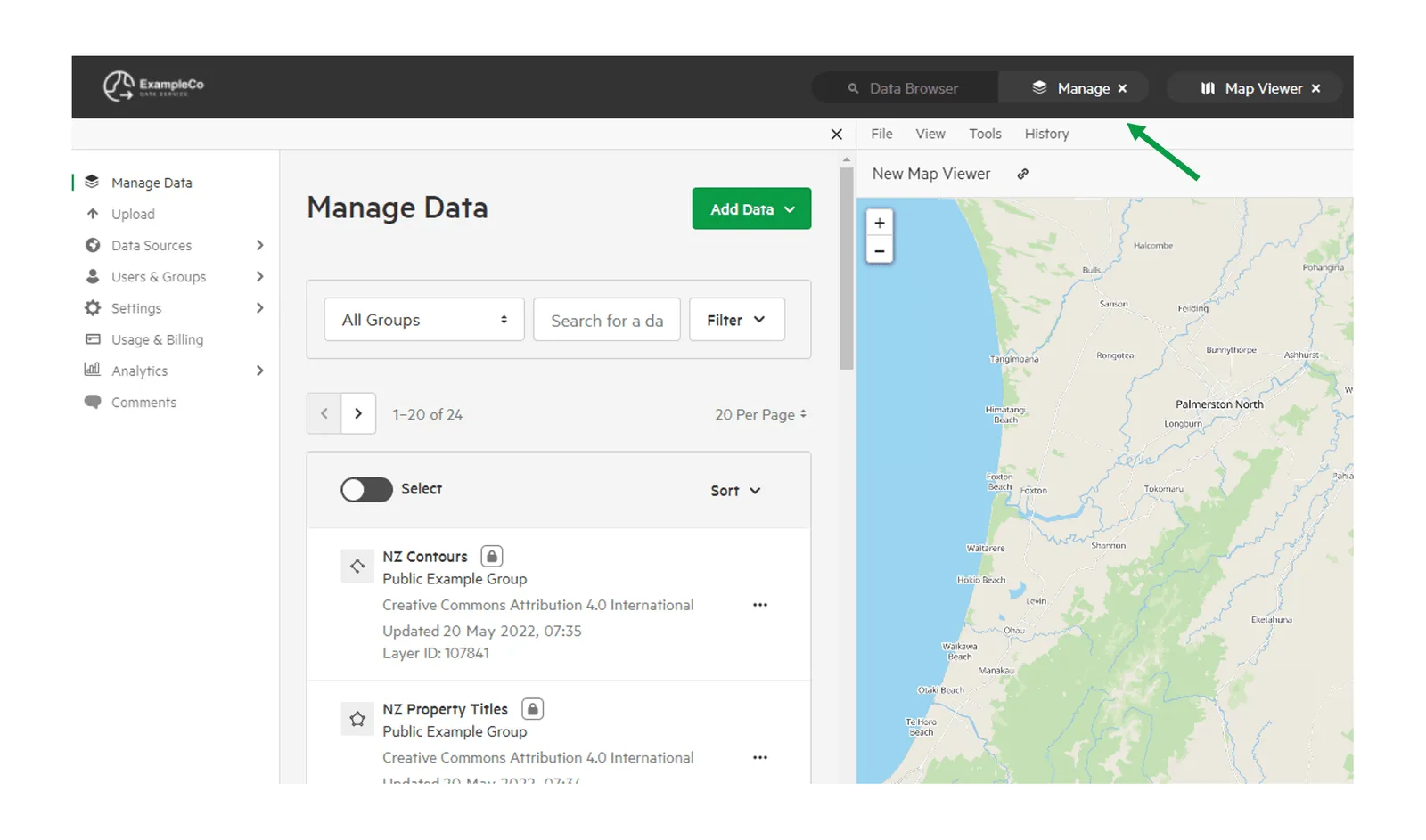
2. Select ‘Manage Data’
Section titled “2. Select ‘Manage Data’”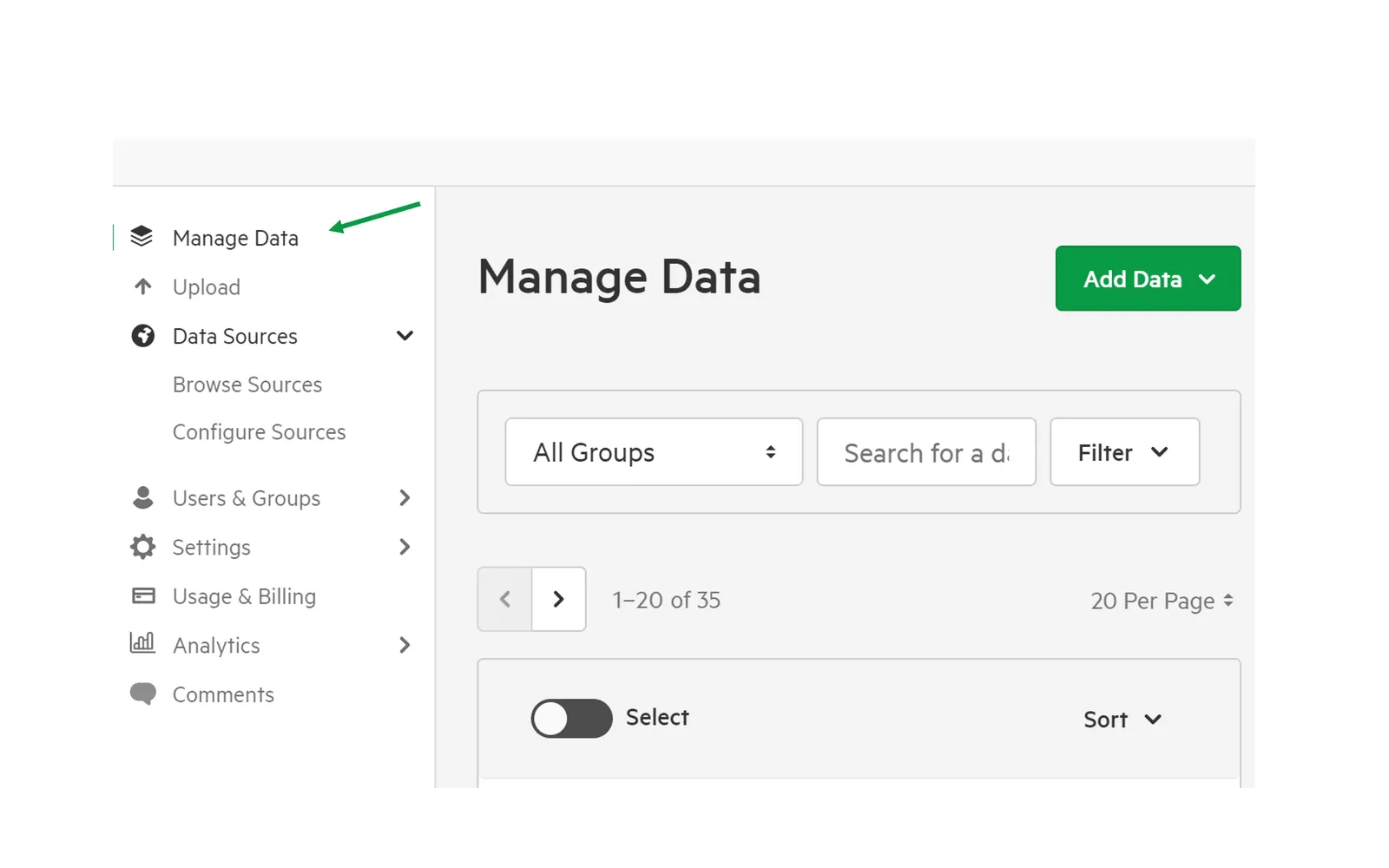
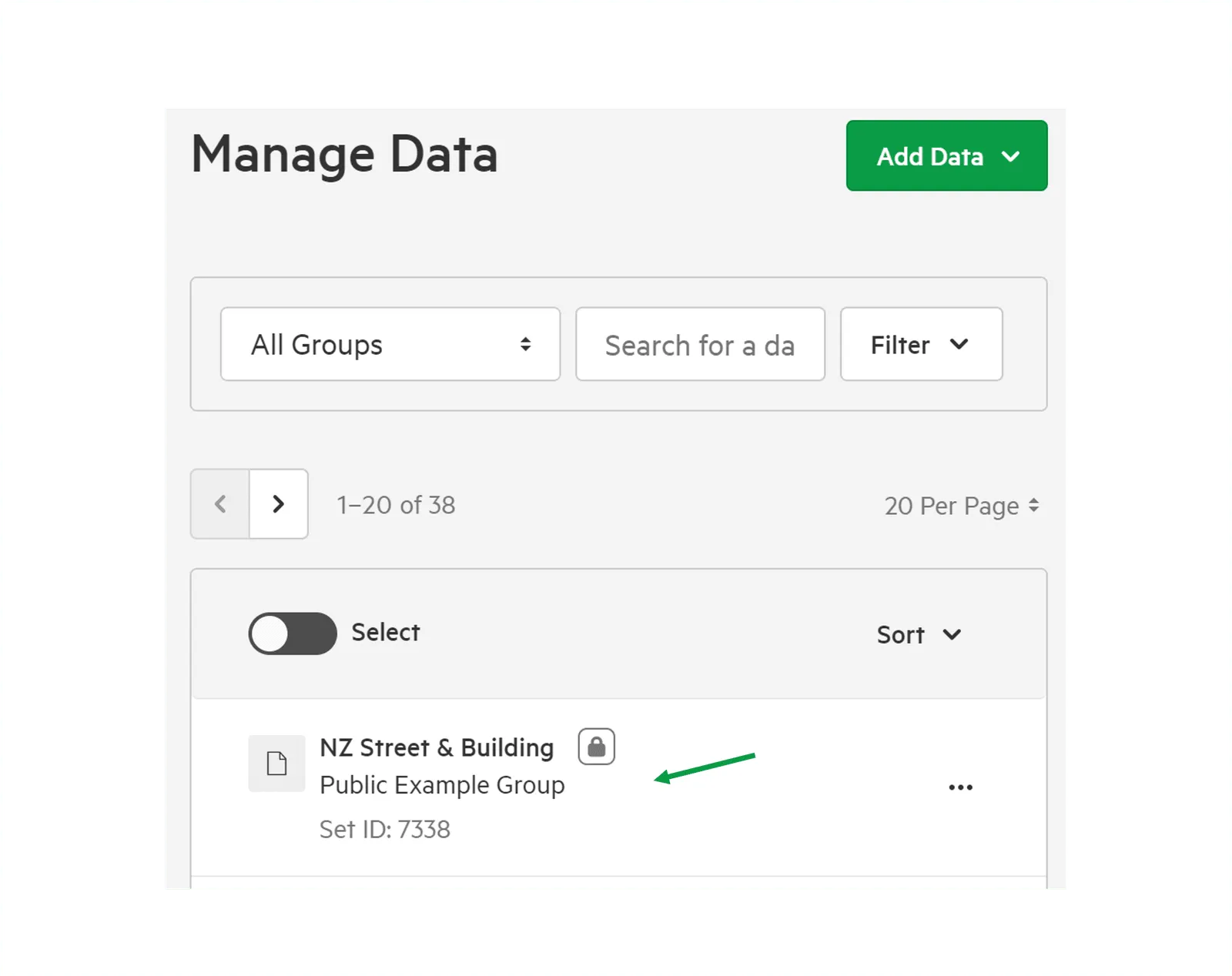
3. Select your chosen set
Section titled “3. Select your chosen set”This will be the set to which you wish to add additional data layers and tables.
4. Select the ‘Content’ tab.
Section titled “4. Select the ‘Content’ tab.”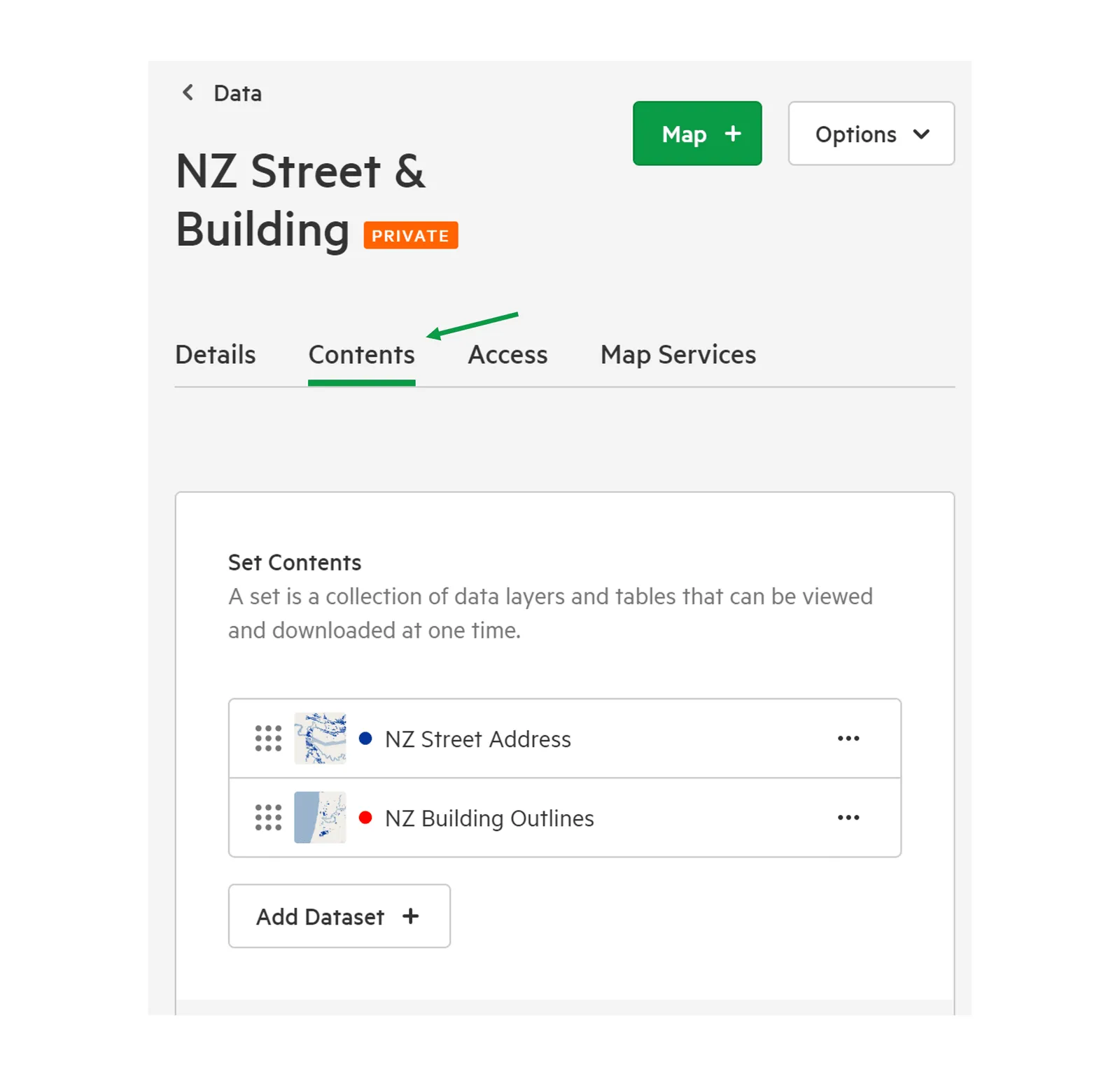
5. Select ‘Add Dataset +’
Section titled “5. Select ‘Add Dataset +’”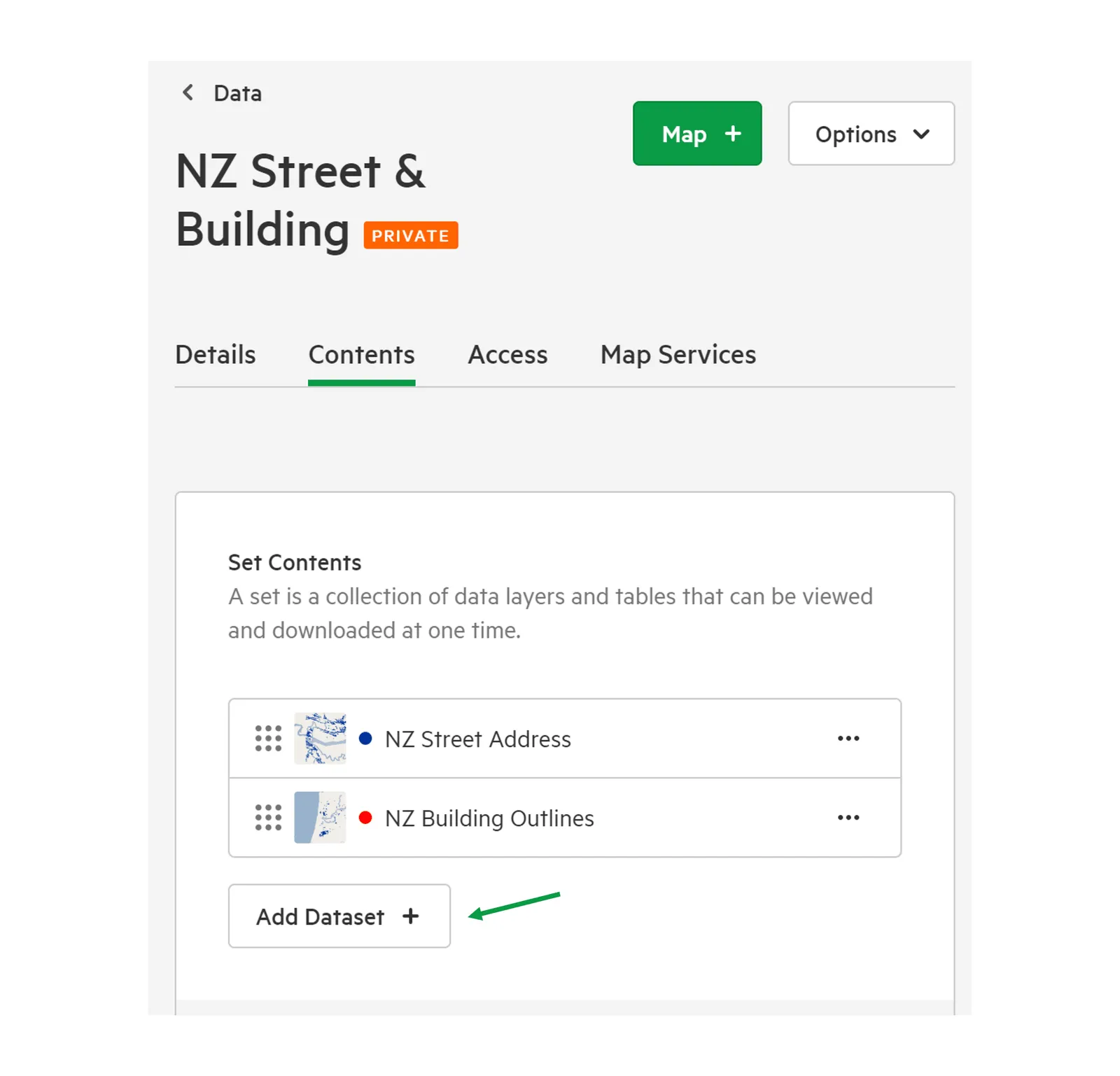
6. Search for and select the layer or table to be added.
Section titled “6. Search for and select the layer or table to be added.”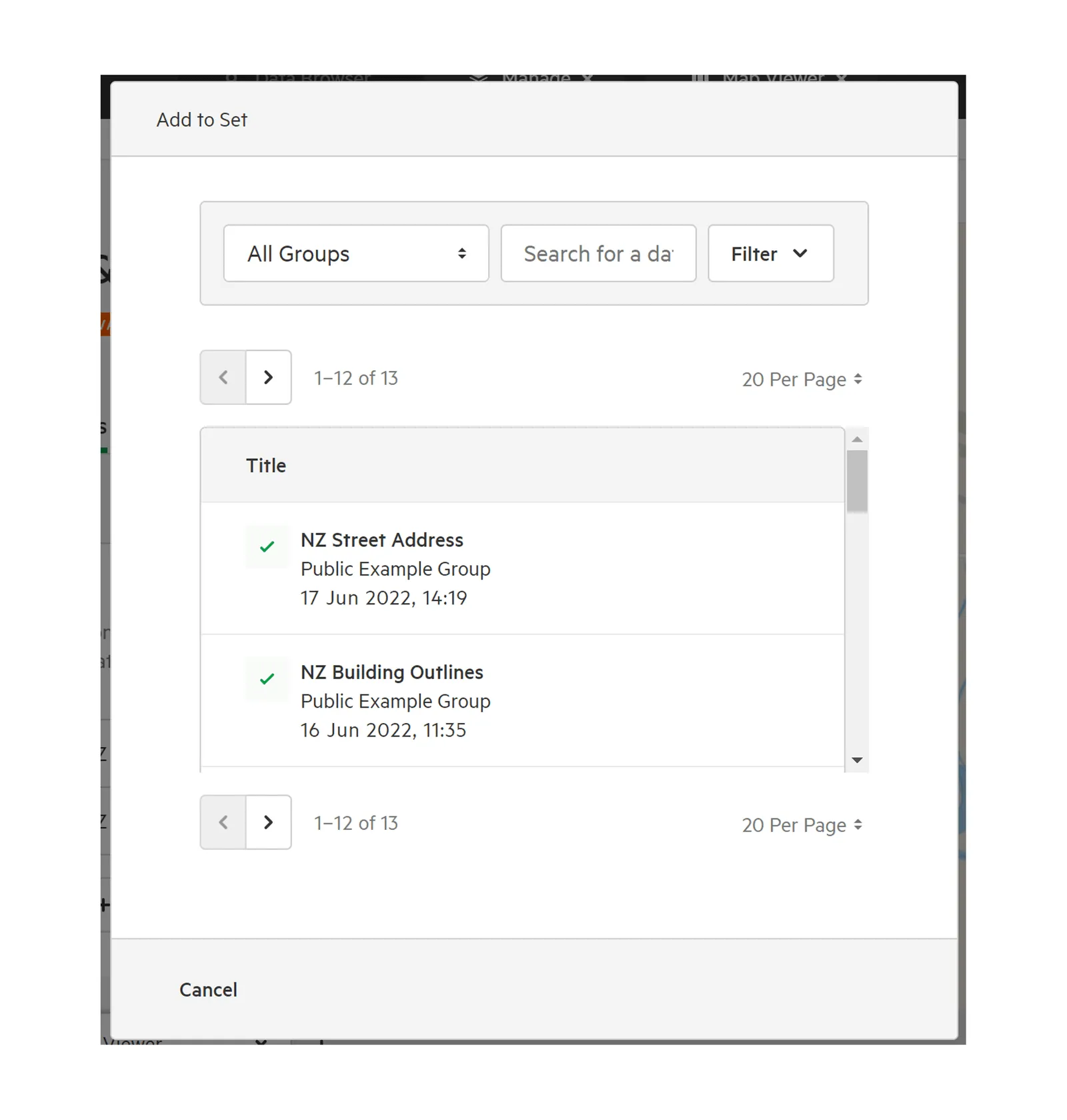
7. Click ‘Save Draft’ or ‘Publish’ to save changes
Section titled “7. Click ‘Save Draft’ or ‘Publish’ to save changes”