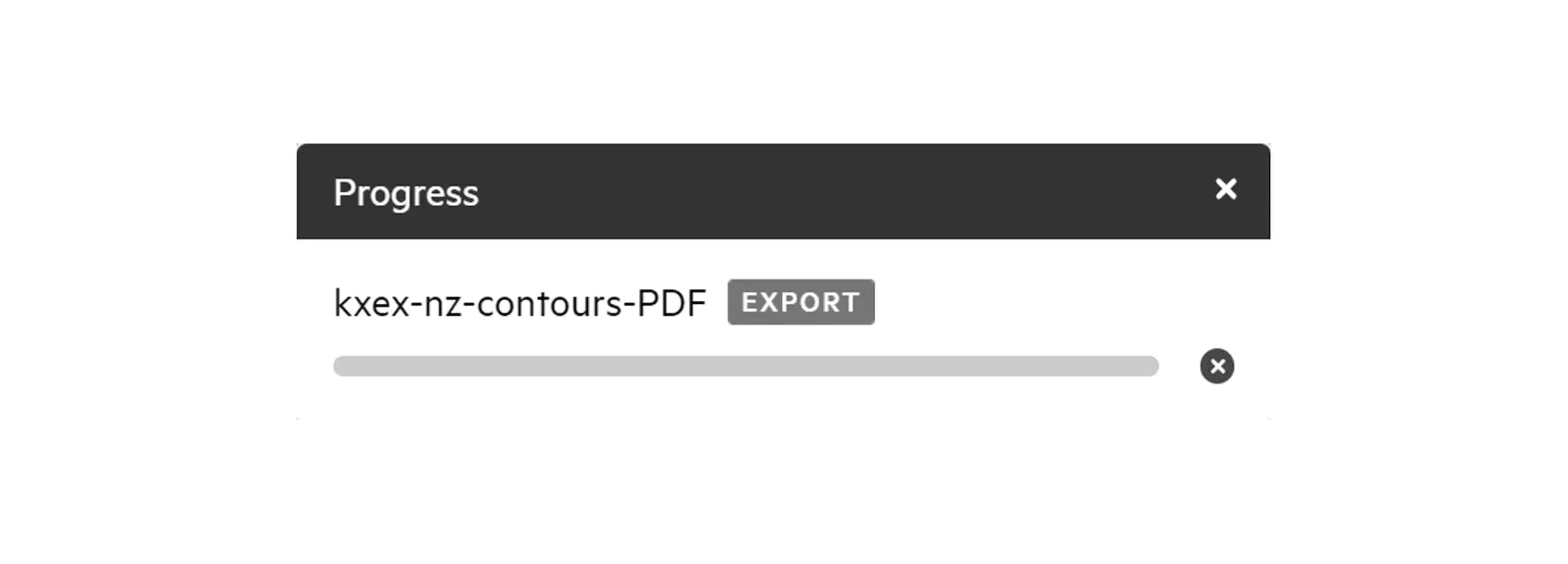
Export data in PDF
The process for exporting data in PDF is the same as other data formats, though contains a few additional options.
1. Add your chosen data to your map by clicking ‘Map +’
Section titled “1. Add your chosen data to your map by clicking ‘Map +’”2. Click Export
Section titled “2. Click Export”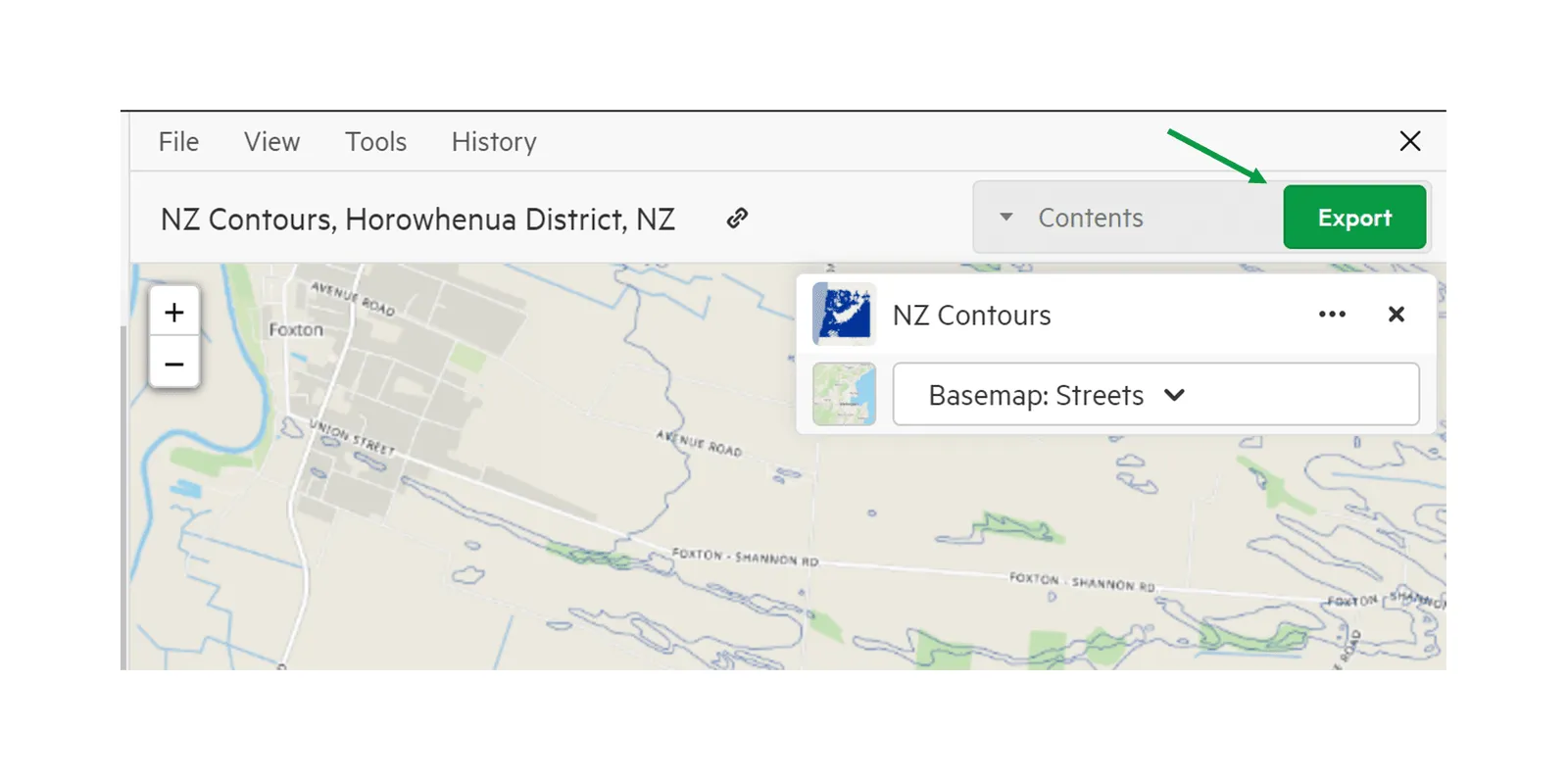
3. Select PDF from the export screen
Section titled “3. Select PDF from the export screen”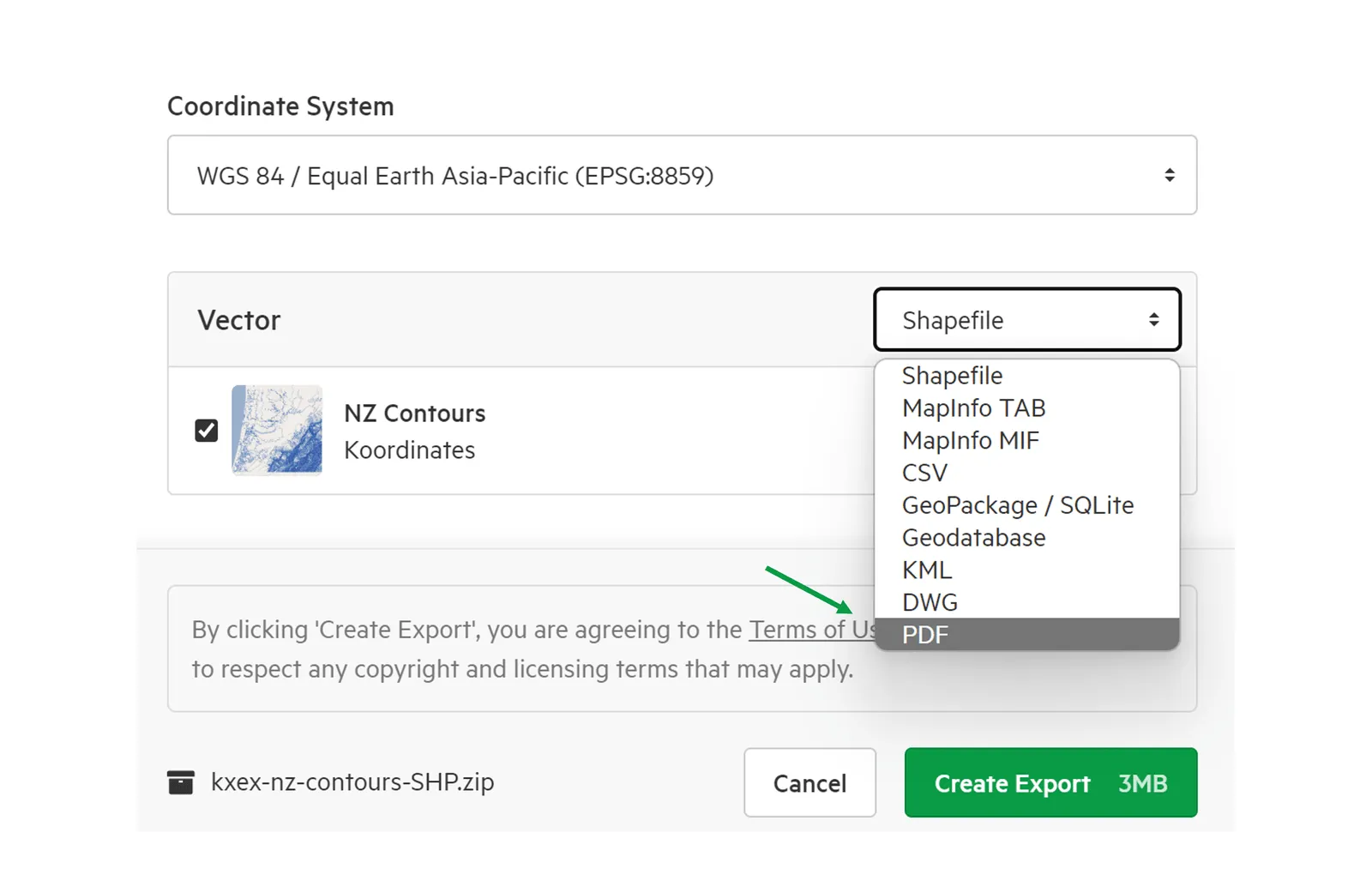
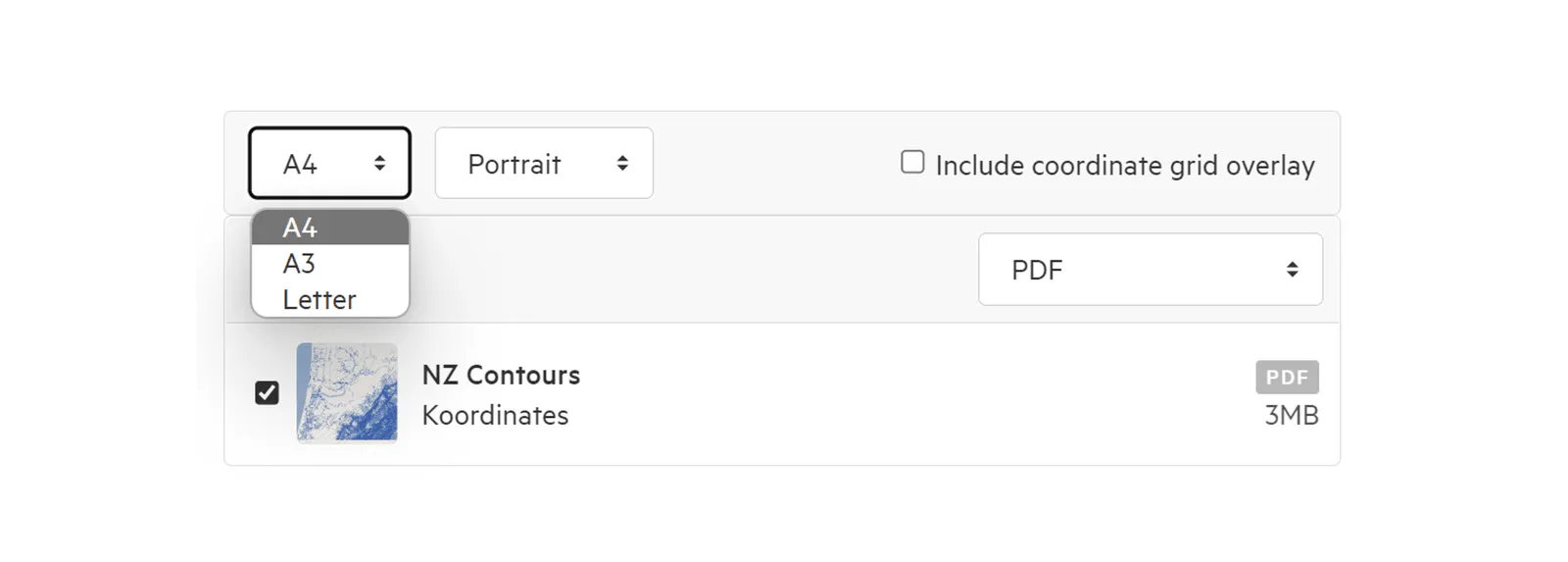
4. Choose your specifications
Section titled “4. Choose your specifications”In the download page, you have the option of deciding:
- Page orientation
- Page size
- Whether or not you wish to include the coordinate grid overlay (otherwise known as the graticule)
5. Click Export
Section titled “5. Click Export”6. Track the progress of your export in the top right of the screen
Section titled “6. Track the progress of your export in the top right of the screen”