
Export versioned data using a changeset
If a vector layer or table has a primary key, you can export a changeset: only the changes between two versions of the data.
For example, if there are 50 versions of a large data layer, and you have downloaded version 39, a changeset gives you all the changes made in the 11 versions since.
A changeset lists what has been added, updated or deleted in a dataset. You can use it to update your copy of the data without downloading the entire dataset again.
You need to be signed in, and you need an API key. If you don’t have one, you’ll be offered Create API Key when you start.
1. Open the dataset’s data sheet
Section titled “1. Open the dataset’s data sheet”Select the card or title of your chosen data.
2. Select the History tab
Section titled “2. Select the History tab”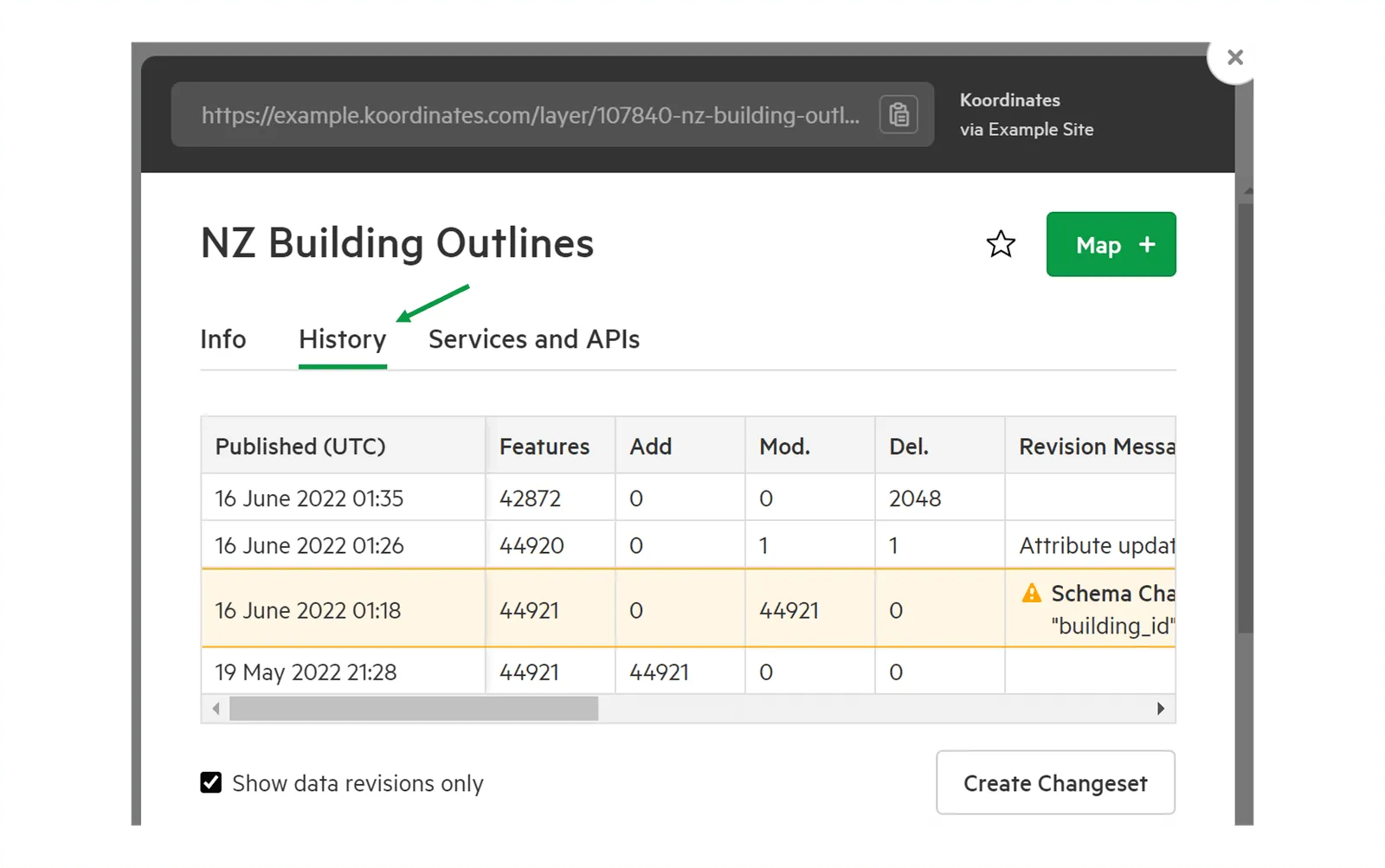
3. Select Create Changeset
Section titled “3. Select Create Changeset”Create Changeset is below the history table.
4. Select two versions of your data
Section titled “4. Select two versions of your data”Select two versions in the history table. The changeset contains the differences between the older and the newer version you select.
5. Choose your options
Section titled “5. Choose your options”Choose:
- the API Key to use; and
- the Format: CSV, GML, JSON or KML.
The Data Feed field has a Copy download link button, so you can fetch the same changeset from a script or another application.
6. Select Generate
Section titled “6. Select Generate”Your changeset is generated and downloads automatically when it’s ready. Large changesets can take a few minutes.
For more on changesets, including fetching them through WFS, see Changesets via WFS.