Finding licence information
What is a licence?
Section titled “What is a licence?”A licence states what can and cannot be done with any data you access. While some publishers choose standardised licence terms, others may include special provisions in the use of their data.
Users will need to accept licensing terms before downloading data, and it is up to user to understand and follow these licensing terms.
Note that licences are provided by data publishers, which means that Koordinates is not a party to the licence - the licence agreement, that is to say, is between the publisher and the user.
What is copyright?
Section titled “What is copyright?”Copyright is a property right that applies to certain categories of original works. In most countries, copyright lasts for the life of the author, plus seventy years. While most countries have exceptions for specific kinds of uses, these exceptions are generally restrictive. For most uses of copyright works, permission has to be granted by the copyright owner.
Creative Commons
Section titled “Creative Commons”The most prevalent open licence is known as Creative Commons. Creative Commons licences are free, internationally recognised, standardised, and have been adopted by governments, universities, businesses and educators all over the world. There are over one billion works licensed under Creative Commons.
There are six Creative Commons licences, ranging from more to less permissive. The less permissive licences restrict commercial and derivative use; the more permissive licence allow commercial reuse, and requires only attribution. For more information regarding Creative Commons, refer to Creative Commons - About The Licenses.
Finding licence information for a dataset
Section titled “Finding licence information for a dataset”-
Navigate to your chosen data layer
Select the card for the dataset.
This opens its data sheet on the Info tab.
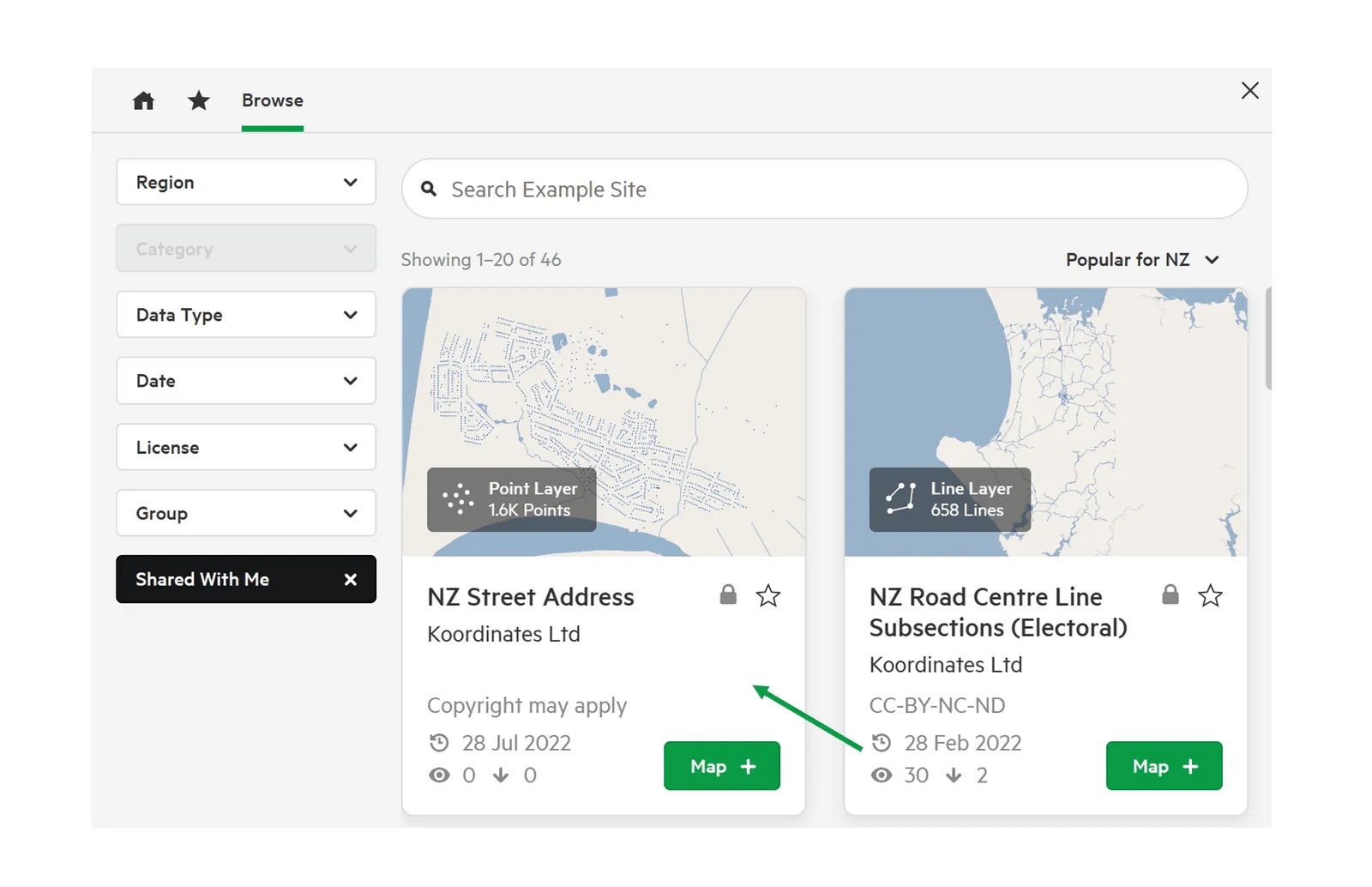
This will provide you with a range of information about your chosen data.
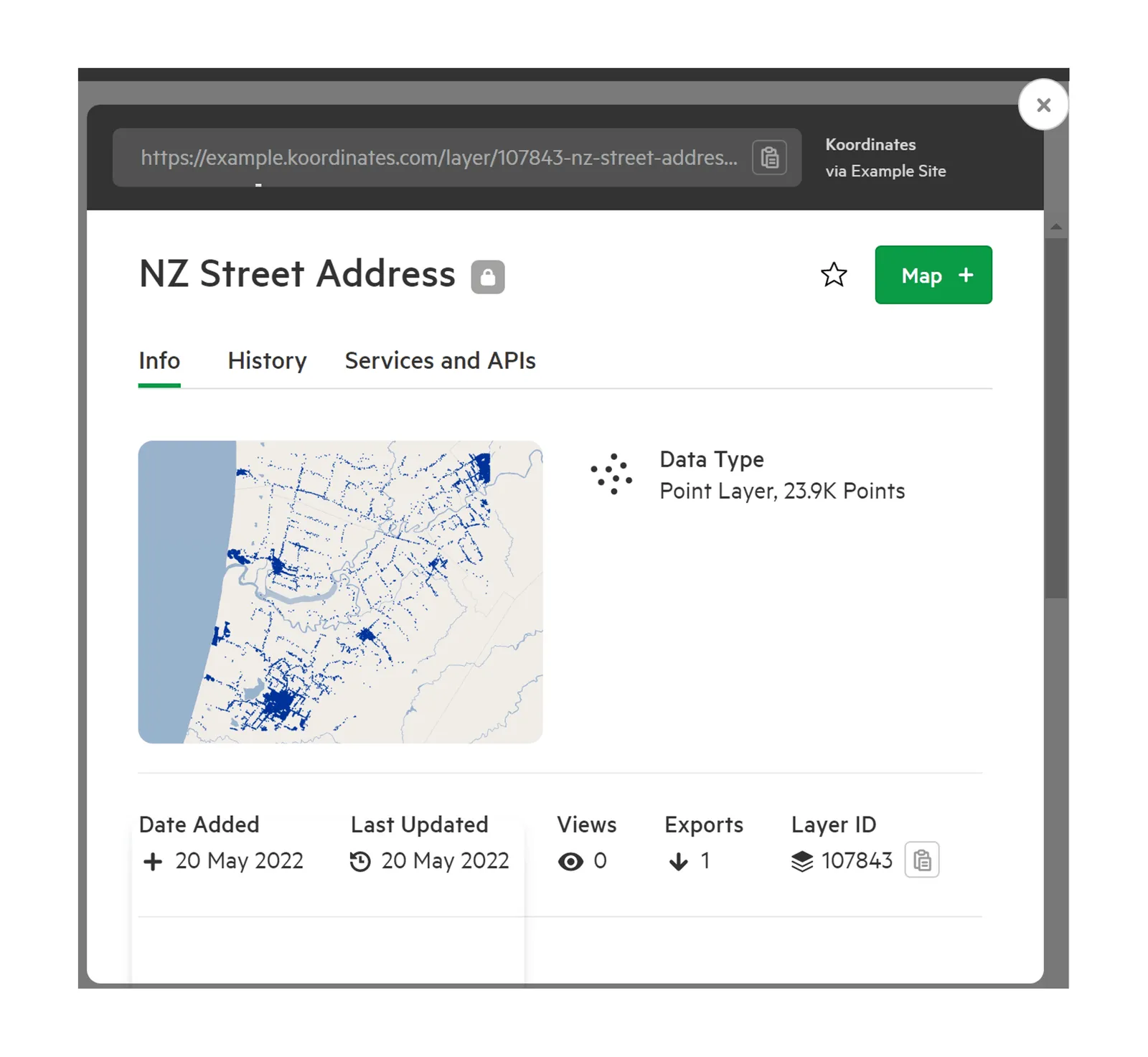
-
Scroll down the Info tab
The Info tab contains several sections, including:
- Date Added, Last Updated, and the number of views and exports
- the description of the data
- License
- Tags
- Metadata
- Details
- History & Version Control
- Data Sample
Scroll down to the License section to see the licence that applies.
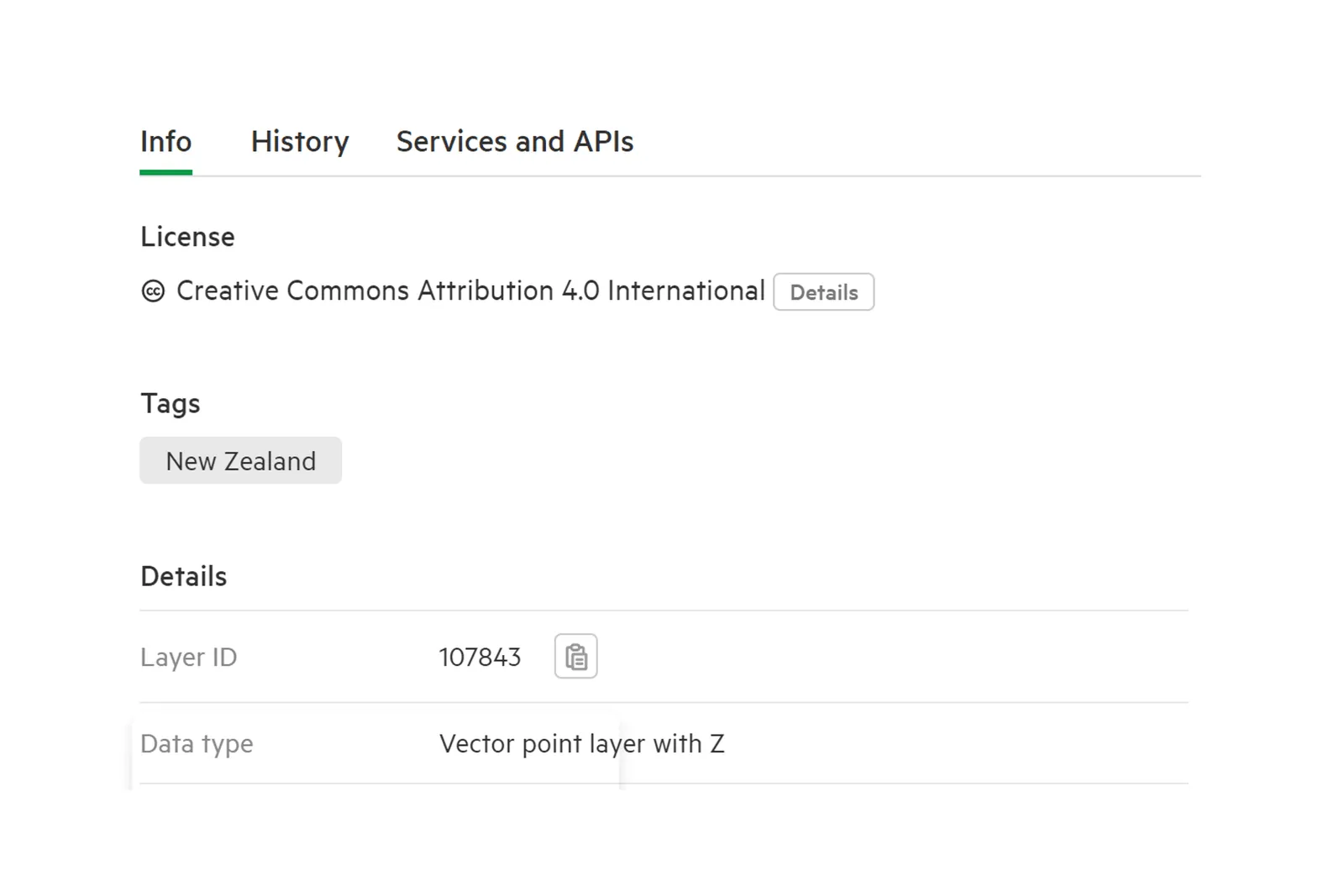
-
Find more licence information
Select Details for a summary of what the licence allows, such as commercial use.
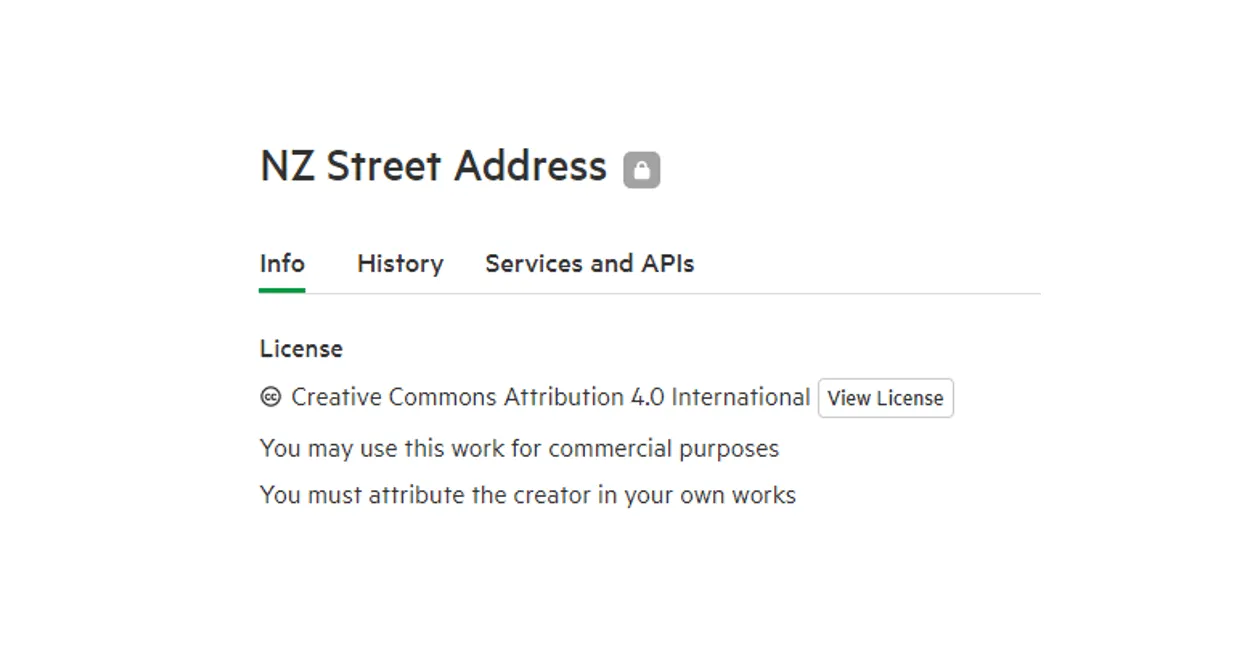
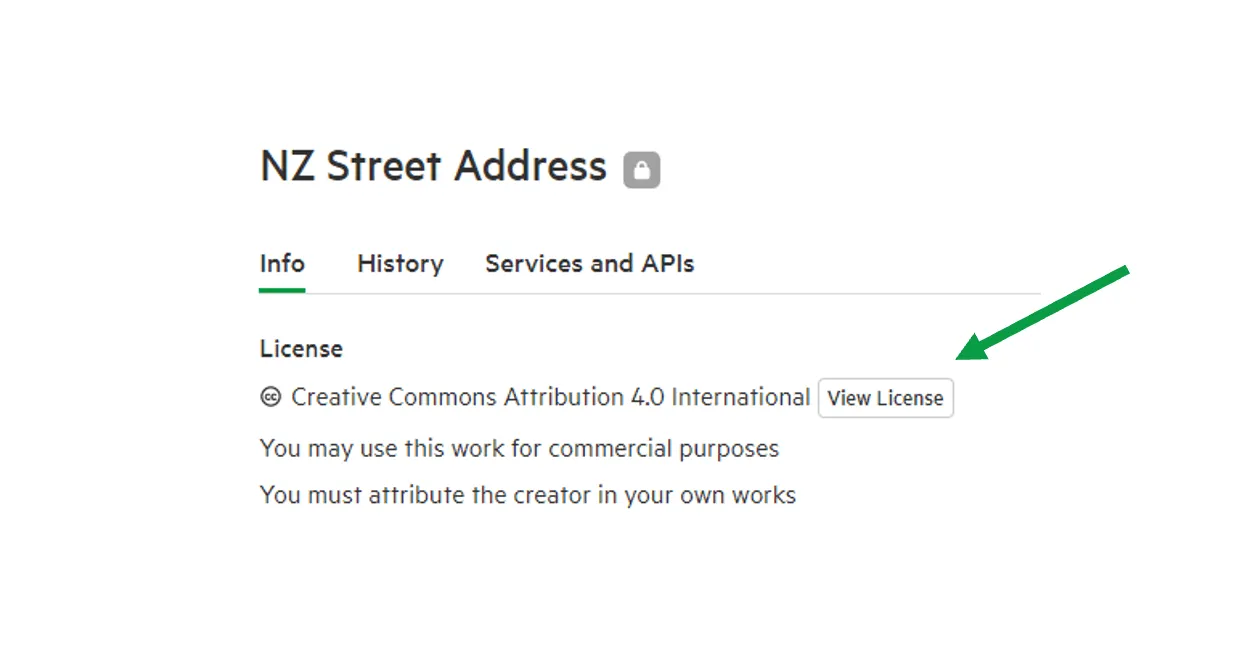
To read the full licence, select View License.
Finding licence information for downloaded data
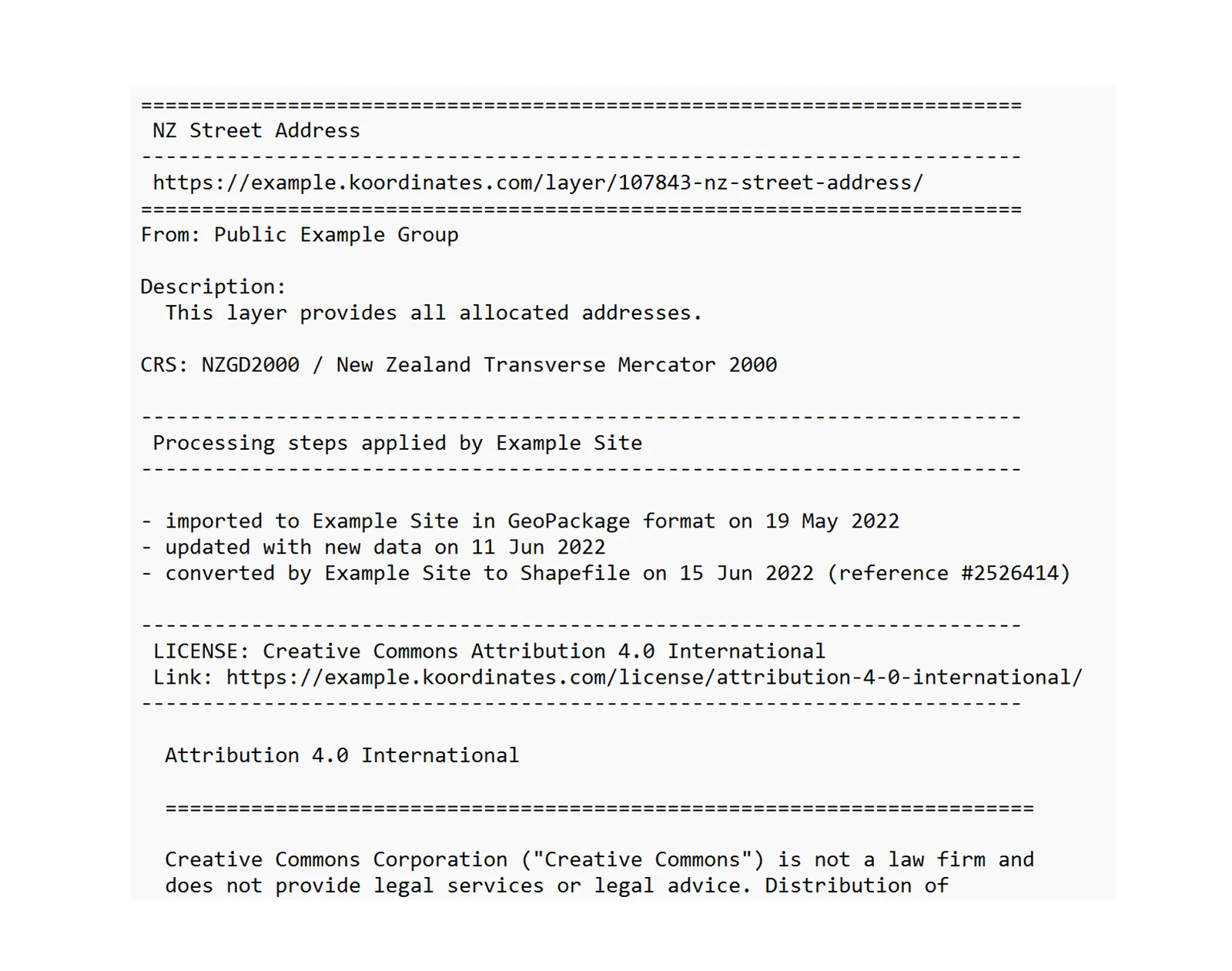
Section titled “Finding licence information for downloaded data”You can find the complete licence for each data layer or table you have downloaded in the .txt file, included with all downloads.
Inside your unzipped folder, you will find a range of files. Select the .txt file to view a summary of the dataset, as well as full terms of the licence under which the data was made available.
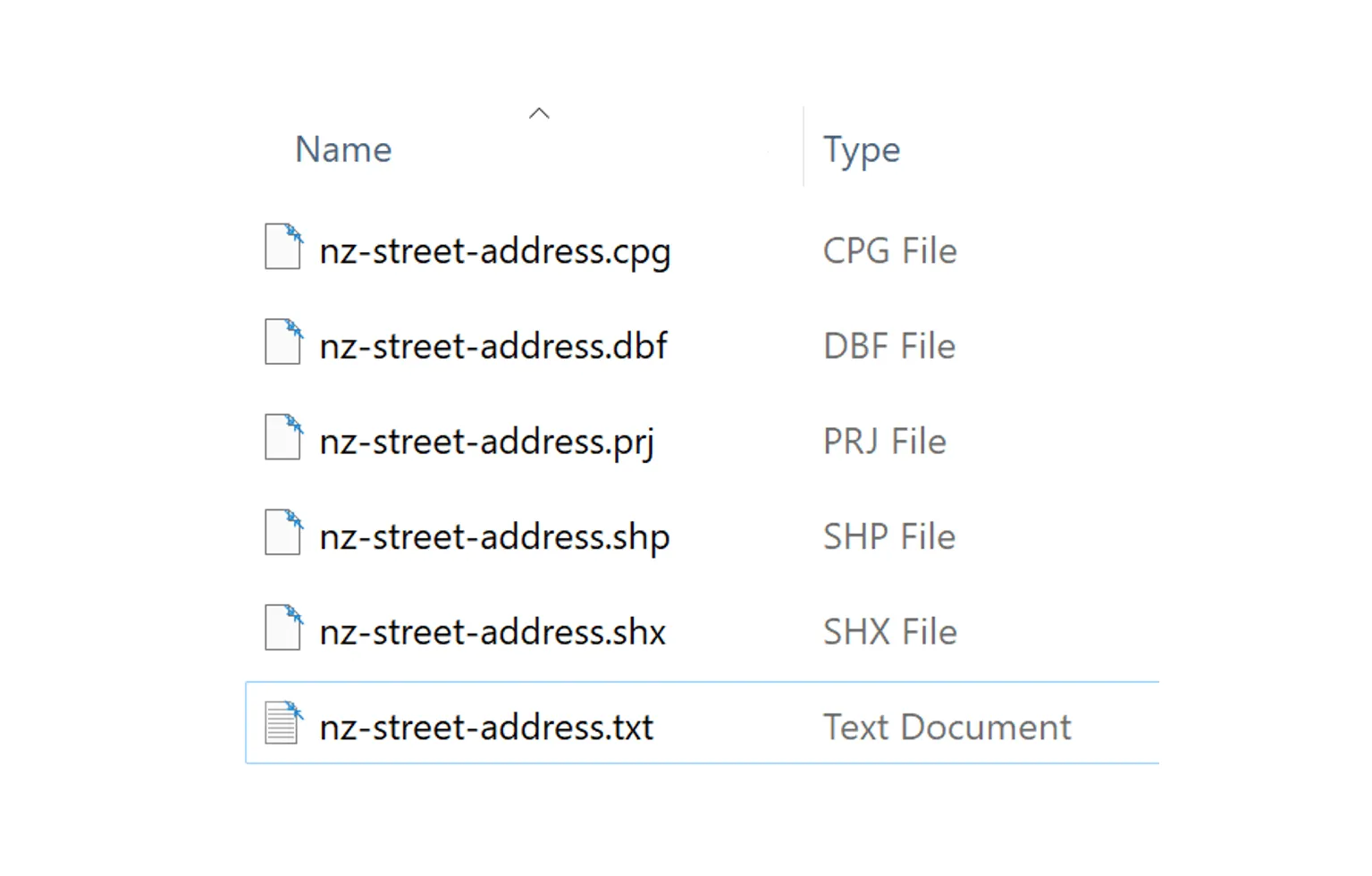
This is the same information that was available on your Koordinates site at the time of the download, and should be considered the authoritative licence for that particular download.