
Edit details for an existing set
1. Select ‘Manage’ from the top menu
Section titled “1. Select ‘Manage’ from the top menu”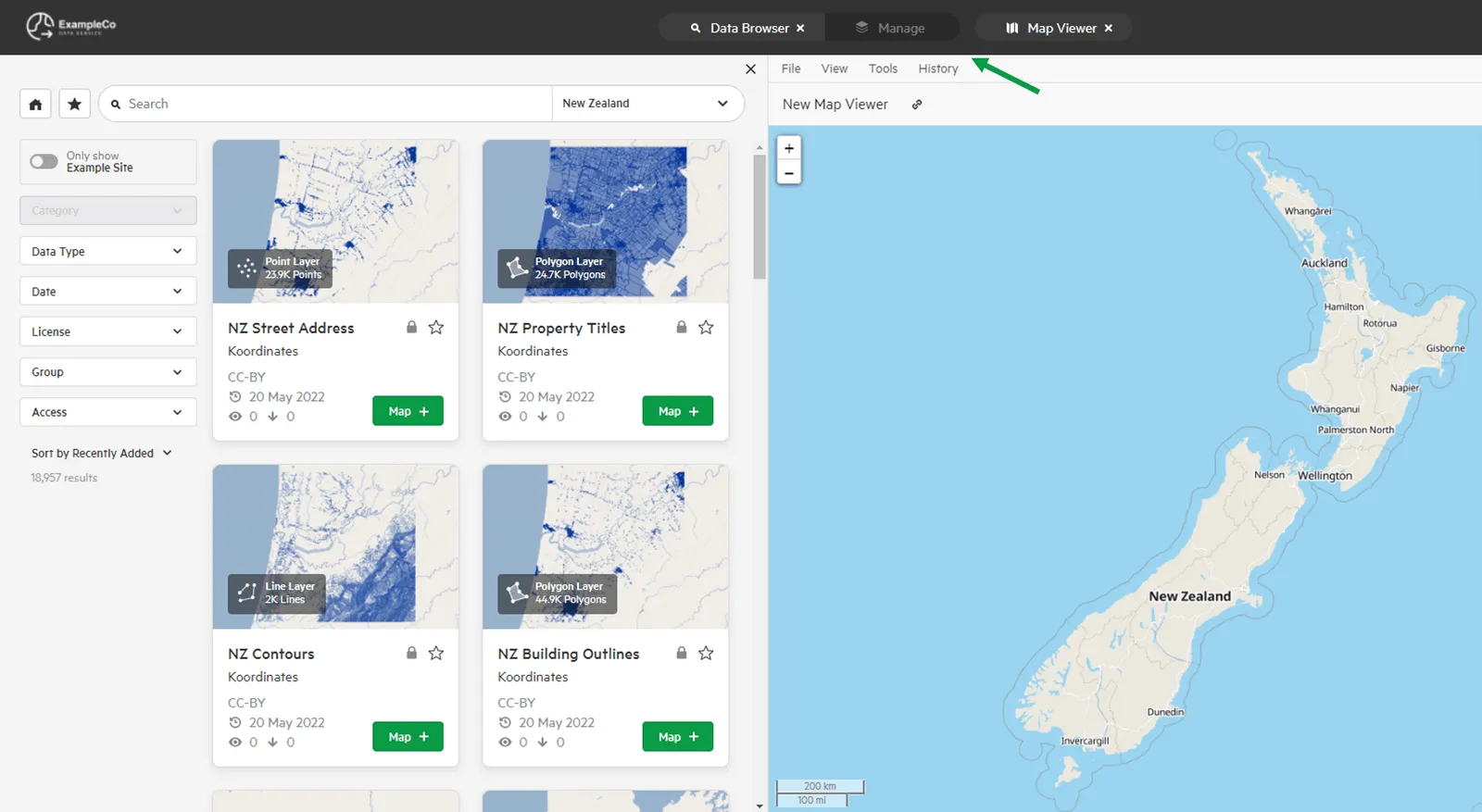
2. Select ‘Manage Data’
Section titled “2. Select ‘Manage Data’”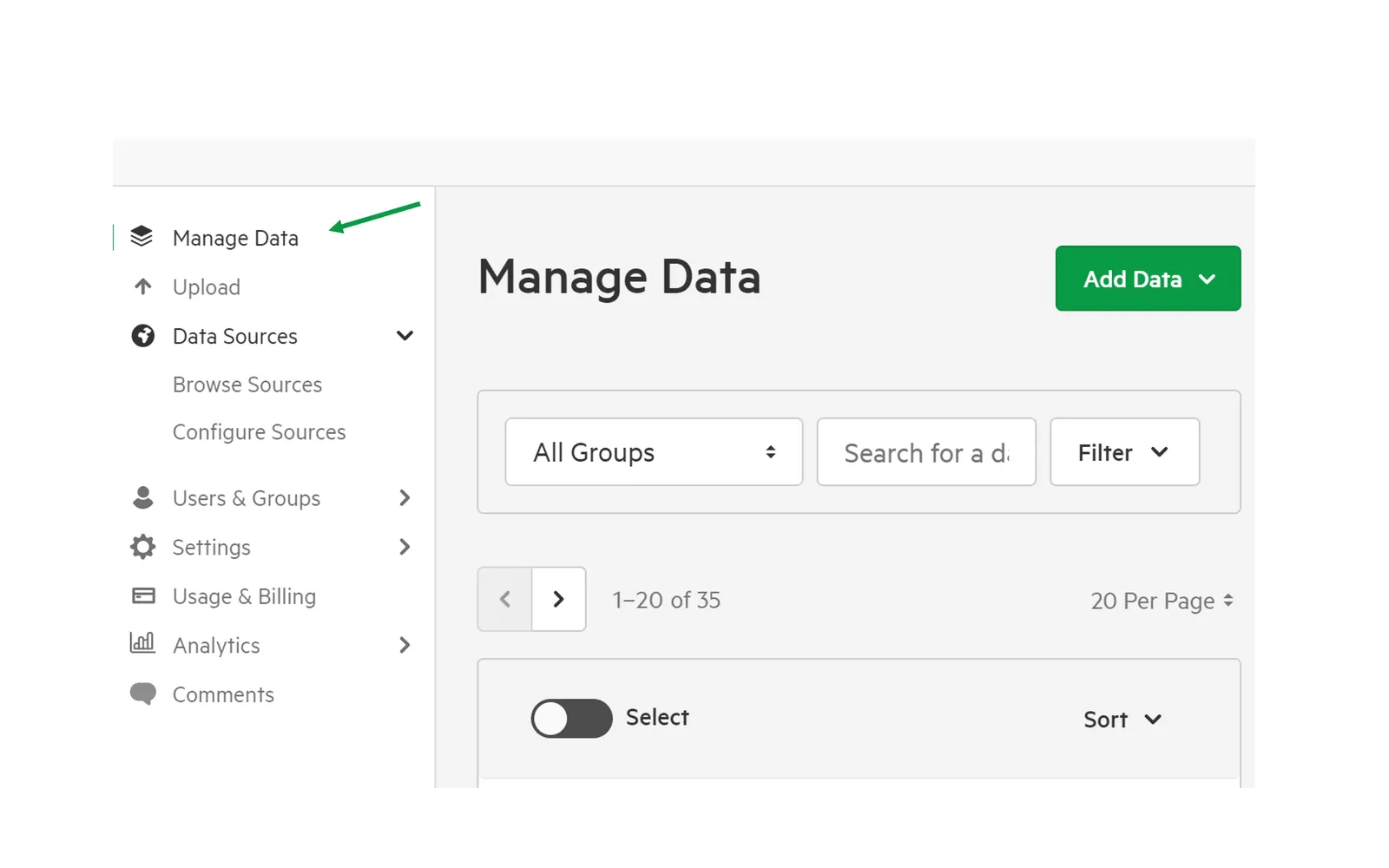
3. Click the set you wish to edit
Section titled “3. Click the set you wish to edit”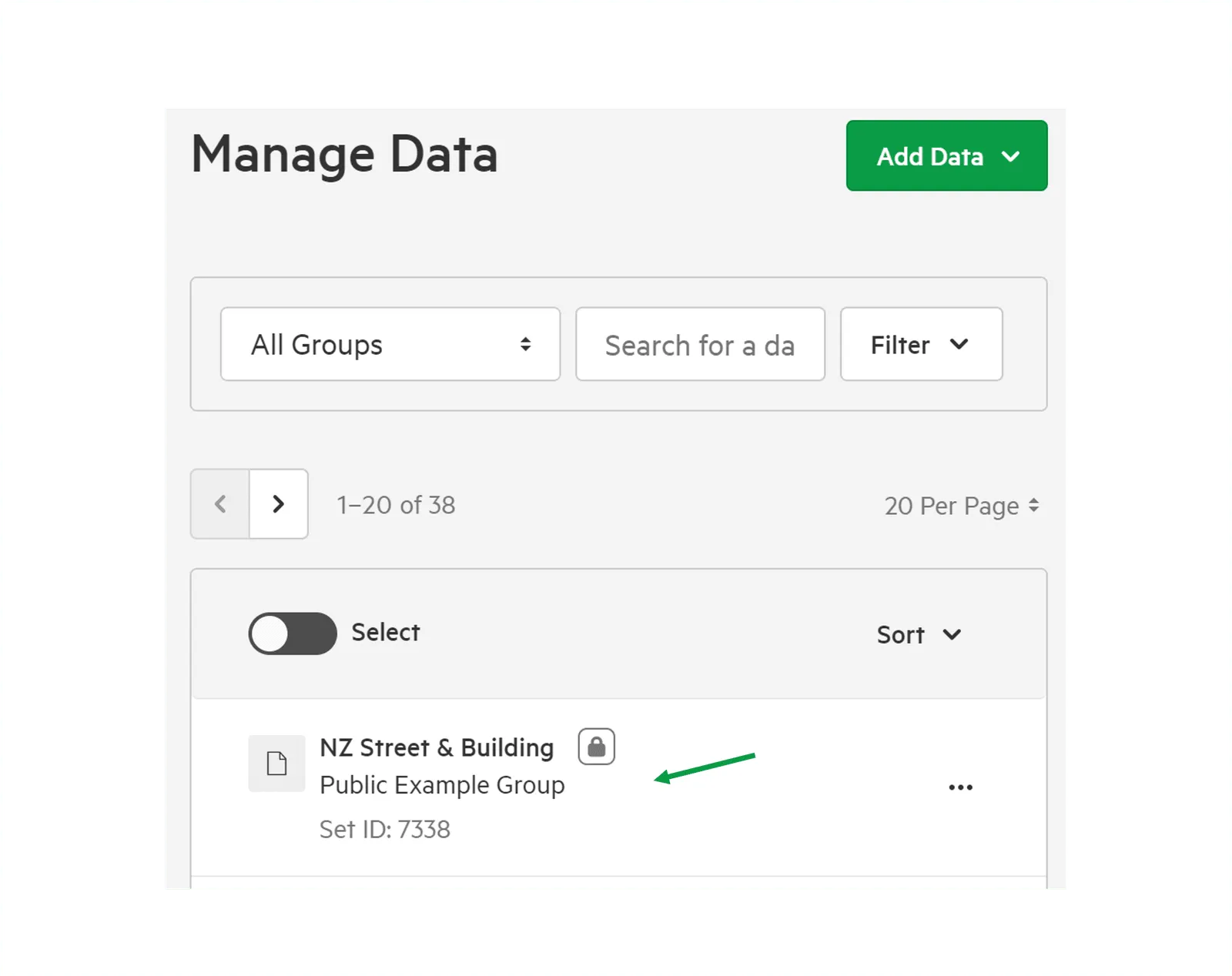
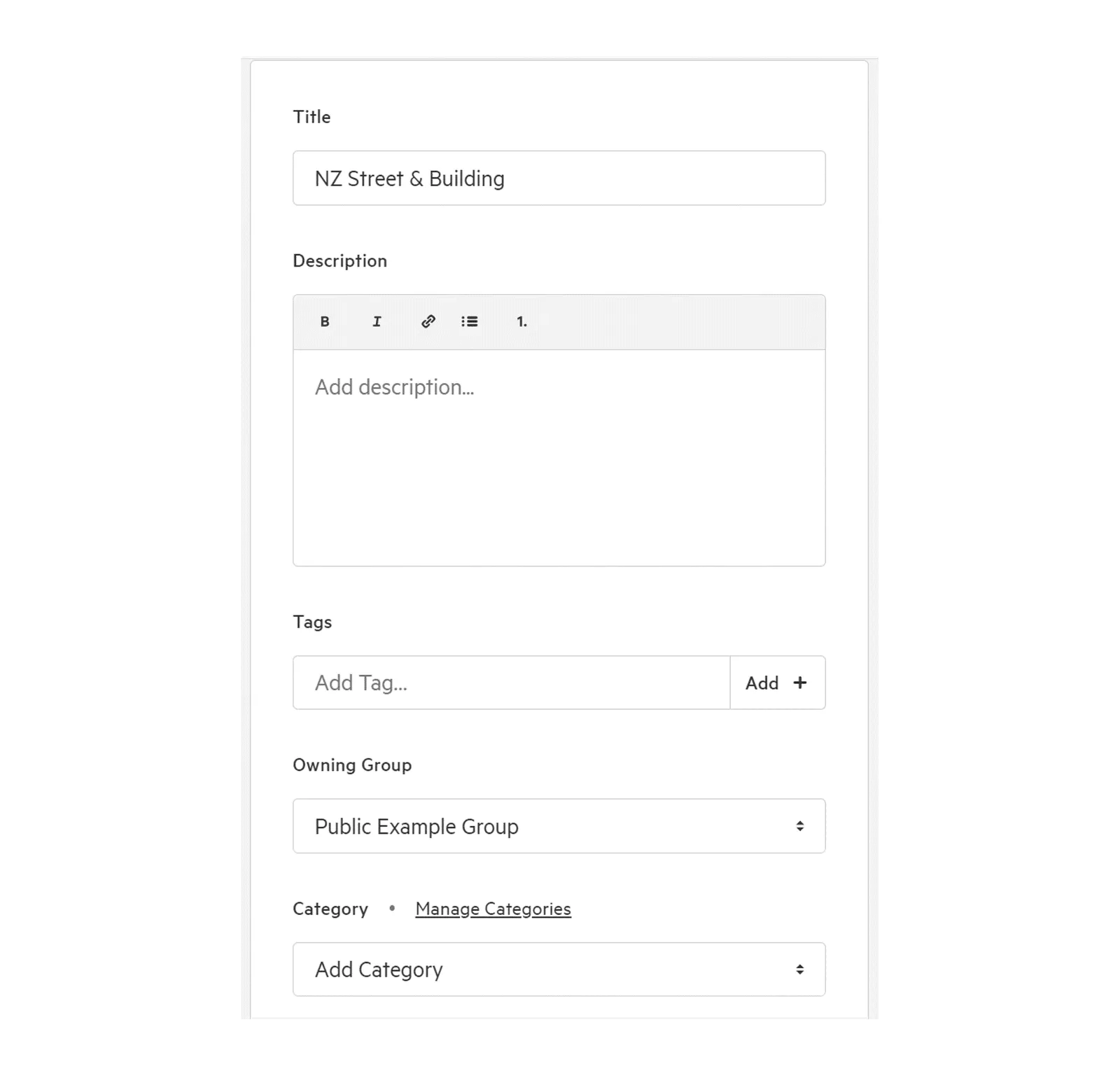
4. Scroll down to editable fields
Section titled “4. Scroll down to editable fields”Edit details as needed.
You have the option of editing:
- Title
- Description
- Tags
- Owning Group
- Category
You can also manage or add metadata.
5. Click ‘Save Draft’ or ‘Publish’
Section titled “5. Click ‘Save Draft’ or ‘Publish’”Drafts can be used to allow colleagues to peer review changes before publication.